
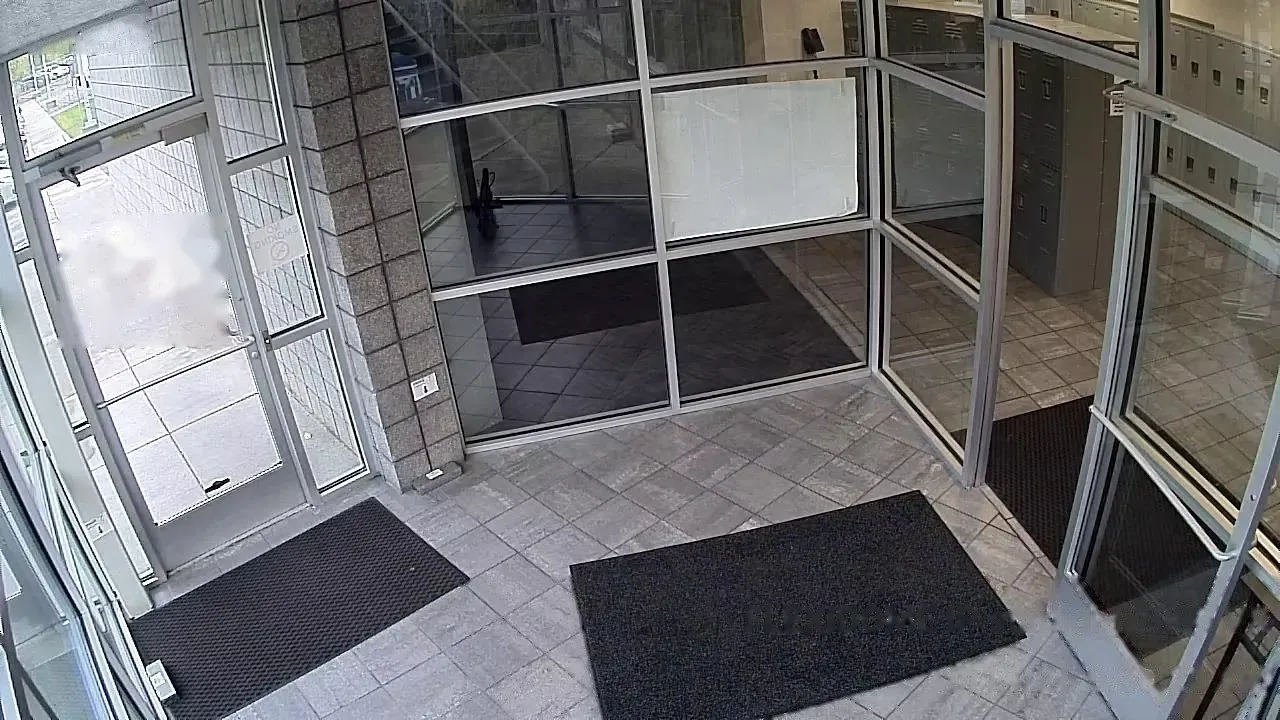
Sensors and locks in the same app as your cameras.
Connect YoLink sensors and Matter hubs to AXN. Sensor alarms, door locks, sirens and water valves sit next to your cameras, and each sensor can be linked to the camera that covers it.
Sensors work better with the cameras
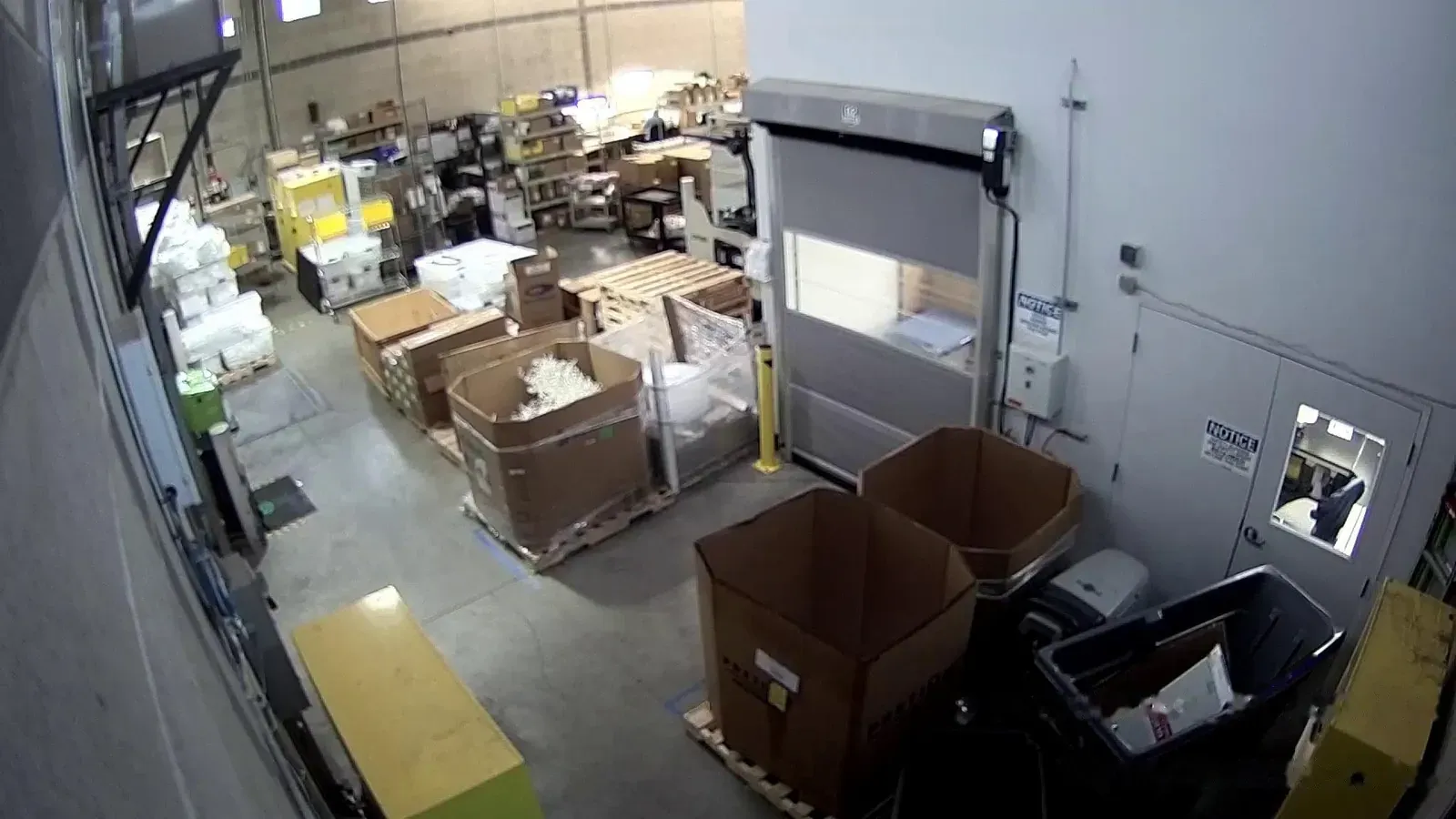
A door alarm with no picture
With AXNLink the door sensor to the camera that covers it. When the door opens, that camera records a clip, and both events show up together in Activity.
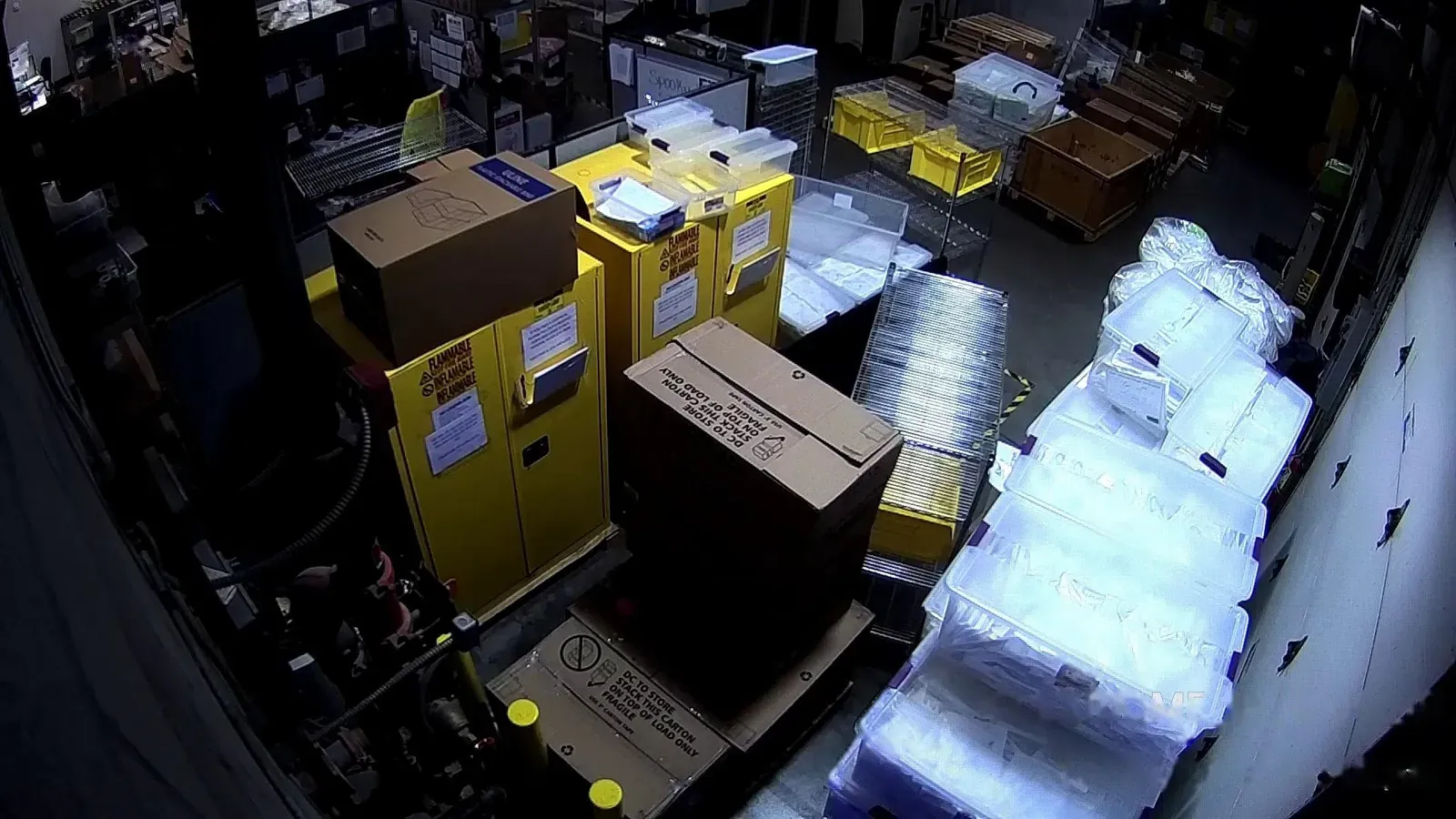
Storage that drifts out of range overnight
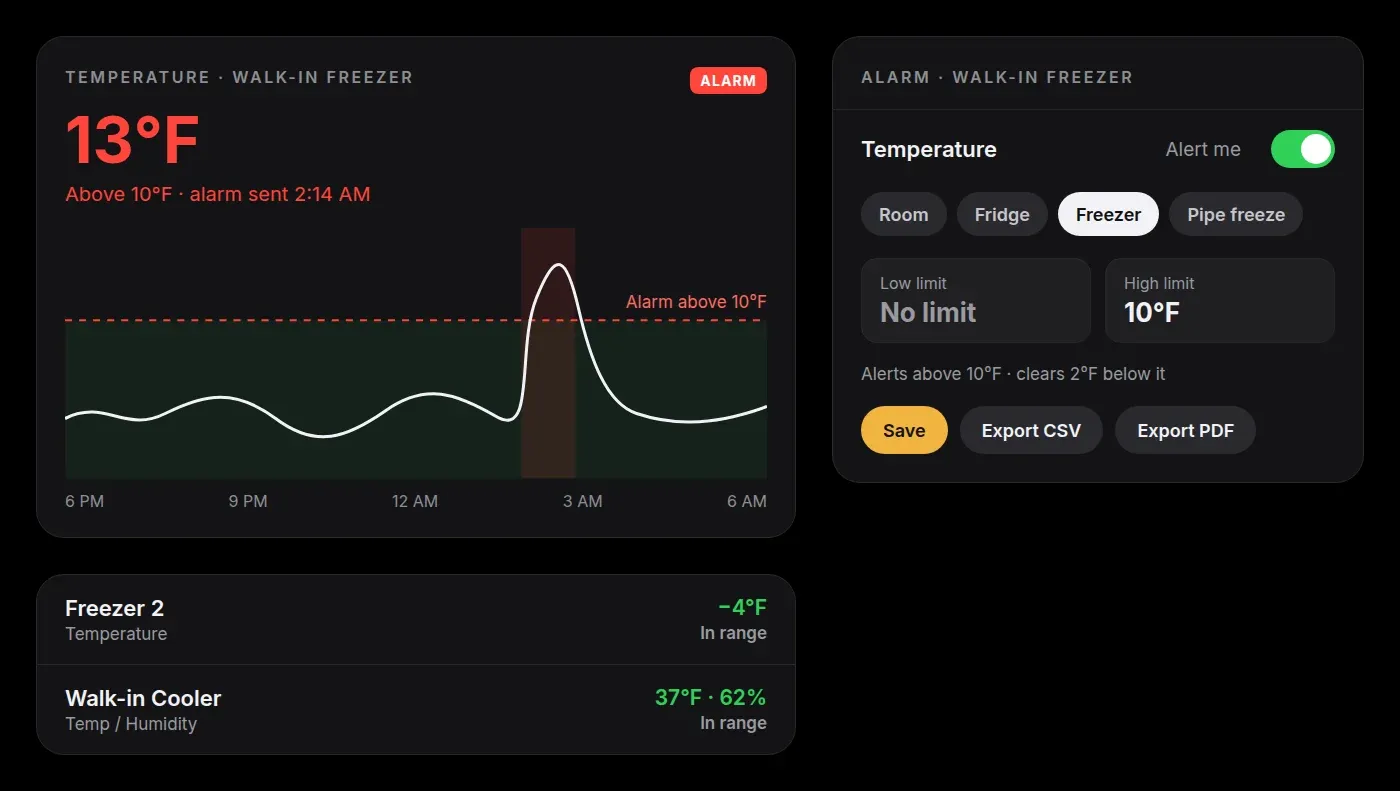
With AXNSet high and low limits with a slider or a preset. AXN alerts by push and email when a reading leaves the range.
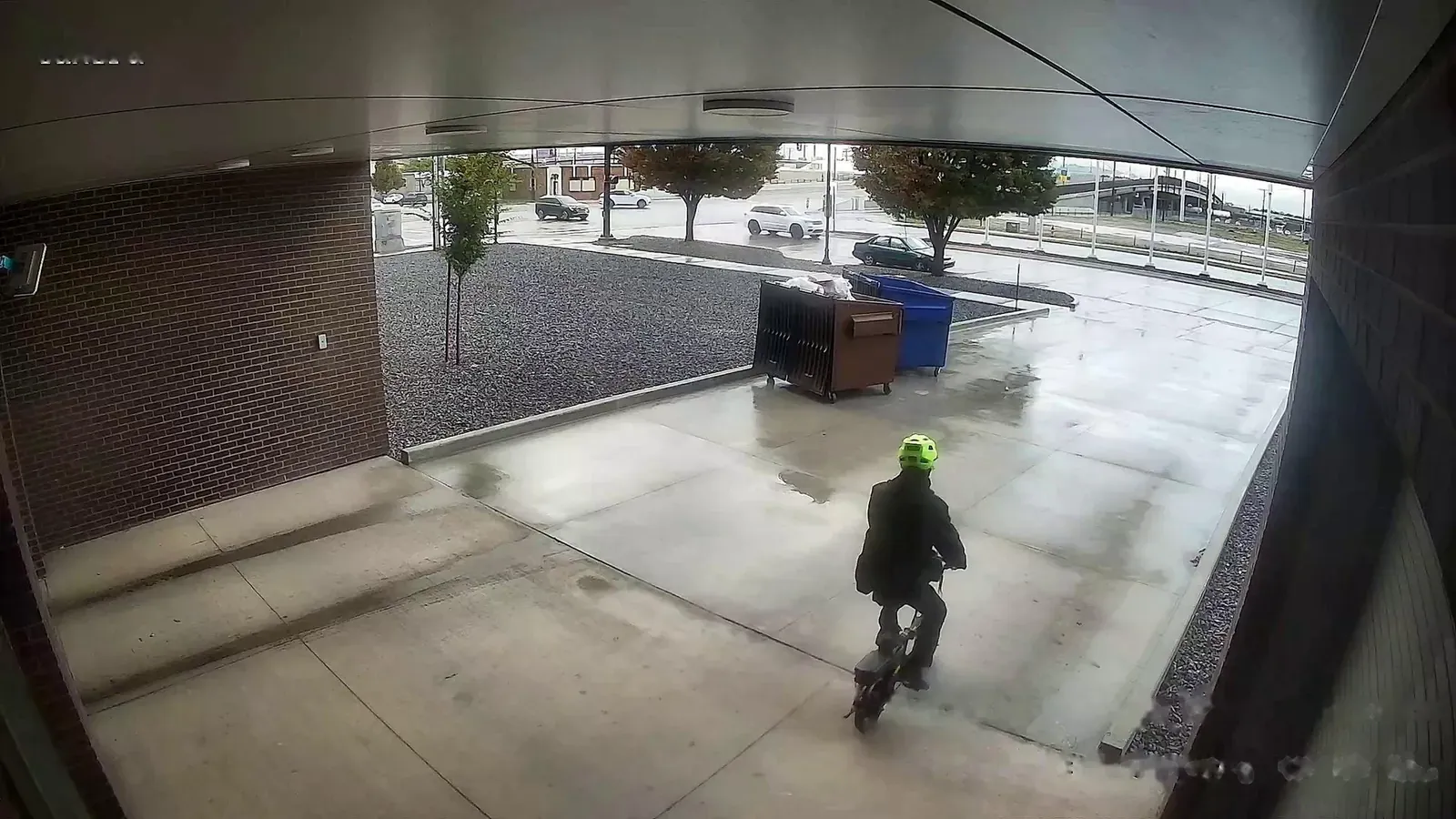
A separate app for every device
With AXNLocks, sirens, water valves, outlets and thermostats are in the AXN app, with the same per-site roles as your cameras.
Works with YoLink and Matter
Link your YoLink account, or add a Matter hub such as the Aqara Hub M3, and your devices appear on the site in AXN.
- SensorsDoor and window, motion, water leak, temperature and humidity, soil moisture, smoke, CO, CO2, vibration and power loss.
- ControlsDoor locks, sirens, water valves, outlets, dimmers and thermostats.
- Device statusBattery, signal and online status for each device, and an alert if a YoLink hub goes offline.
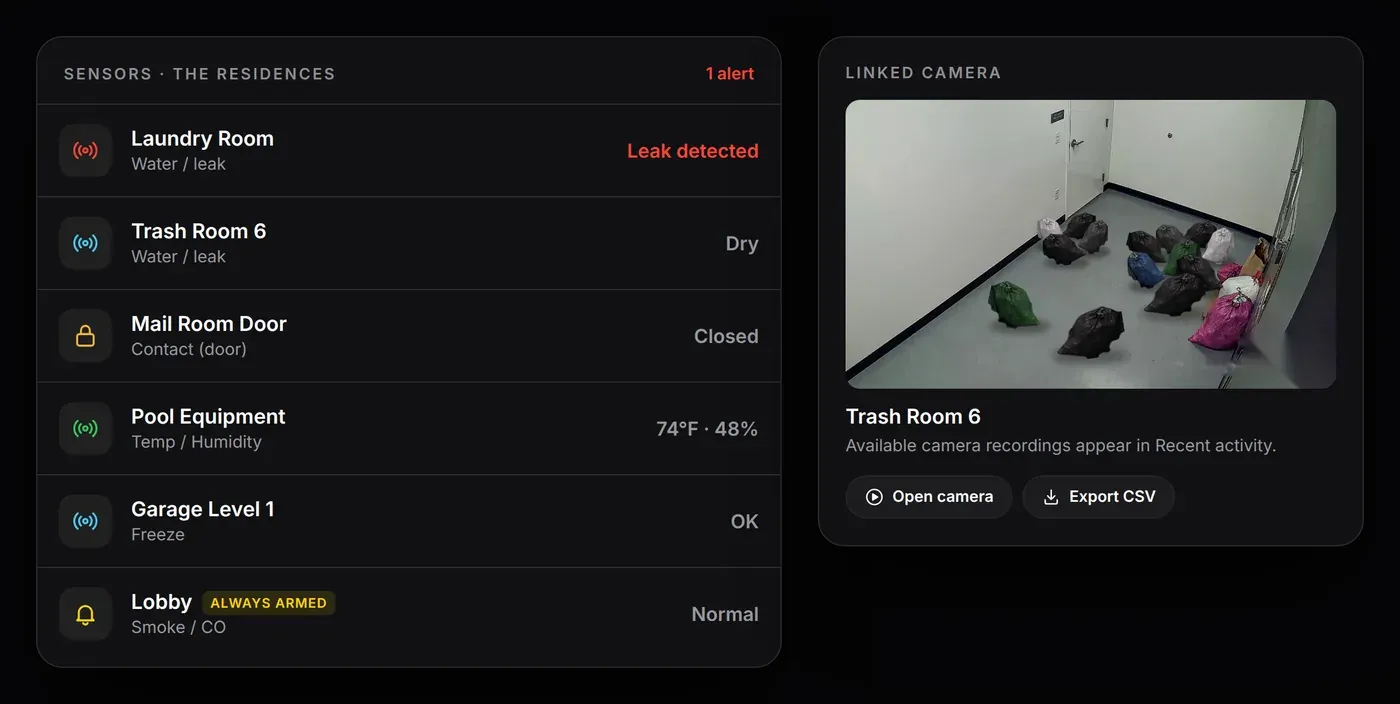
Link each sensor to the camera that covers it
Door, motion, leak, smoke and lock events record a clip from the linked camera. The sensor’s page shows that camera live, and its history chart plays back the video at any point you pick.
- Status on live videoDoor, lock and sensor states show on the camera’s live view.
- One timelineSensor events sit in Activity with your person and vehicle detections.
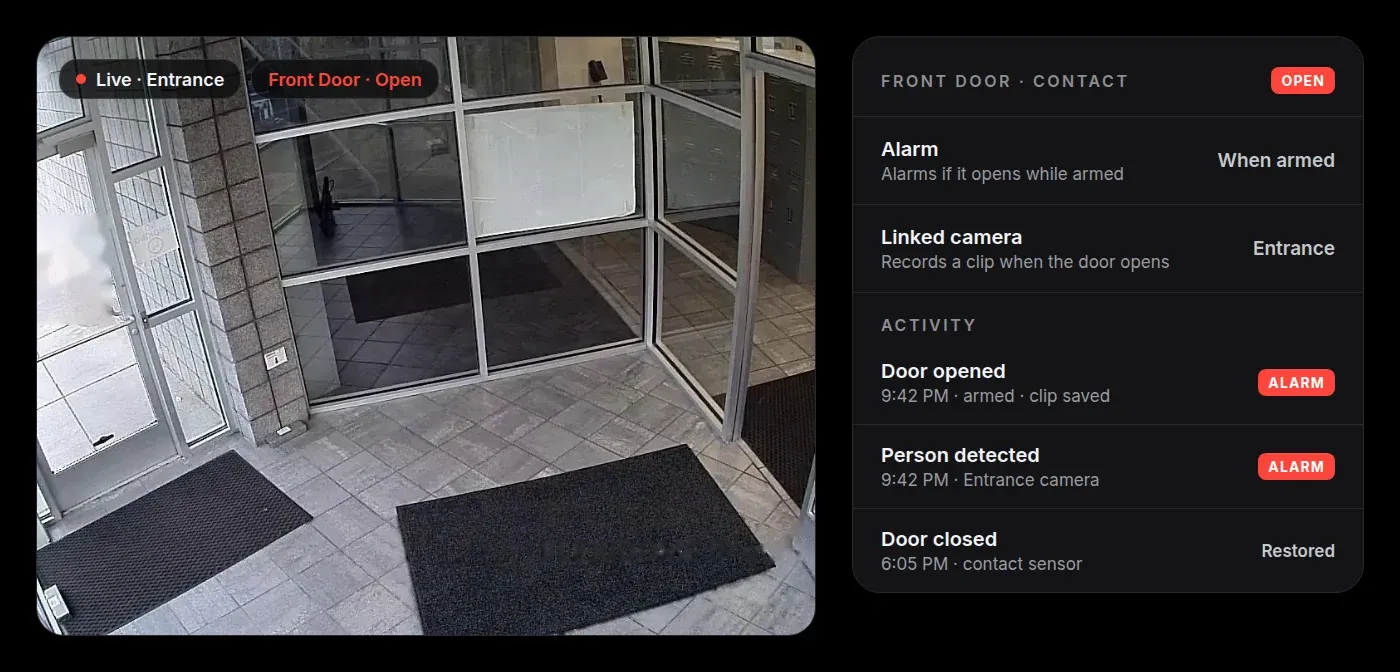
Simple alarm rules for each sensor
Choose whether each sensor alarms always, only while the site is armed, or not at all. Smoke, CO and water leak sensors always alert, even when the site is disarmed.
- High and low limitsDrag a slider or pick a preset: Room, Fridge, Freezer or Pipe freeze.
- AlertsPush notifications on phones and in the browser, plus email.
- HistoryCharts for 24 hours, 7 days, 30 days or a custom range, exportable as CSV or PDF.
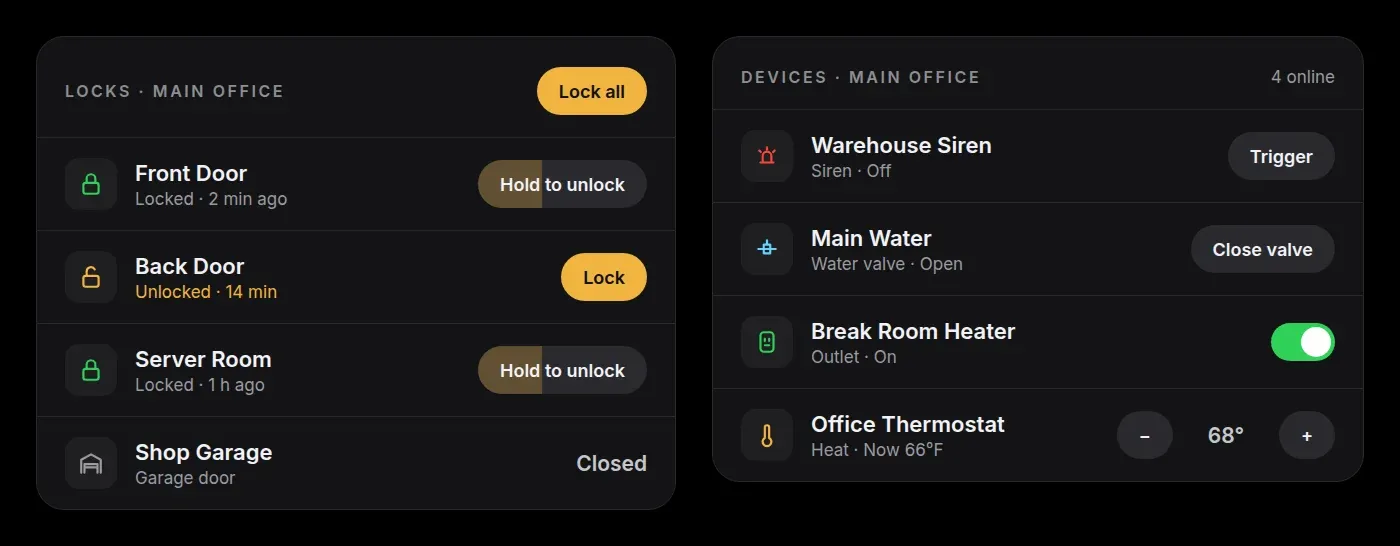
Locks, sirens and water valves in one place
Lock with one tap. Unlock by pressing and holding for a second, so a stray tap never opens a door. Lock all secures every lock on the site at once.
- Sirens and valvesSound or silence a siren, and open or close a water valve.
- Outlets and thermostatsSwitch outlets and dimmers and change the thermostat setting.
- Roles for each siteViewers can watch cameras but can’t operate locks or devices.
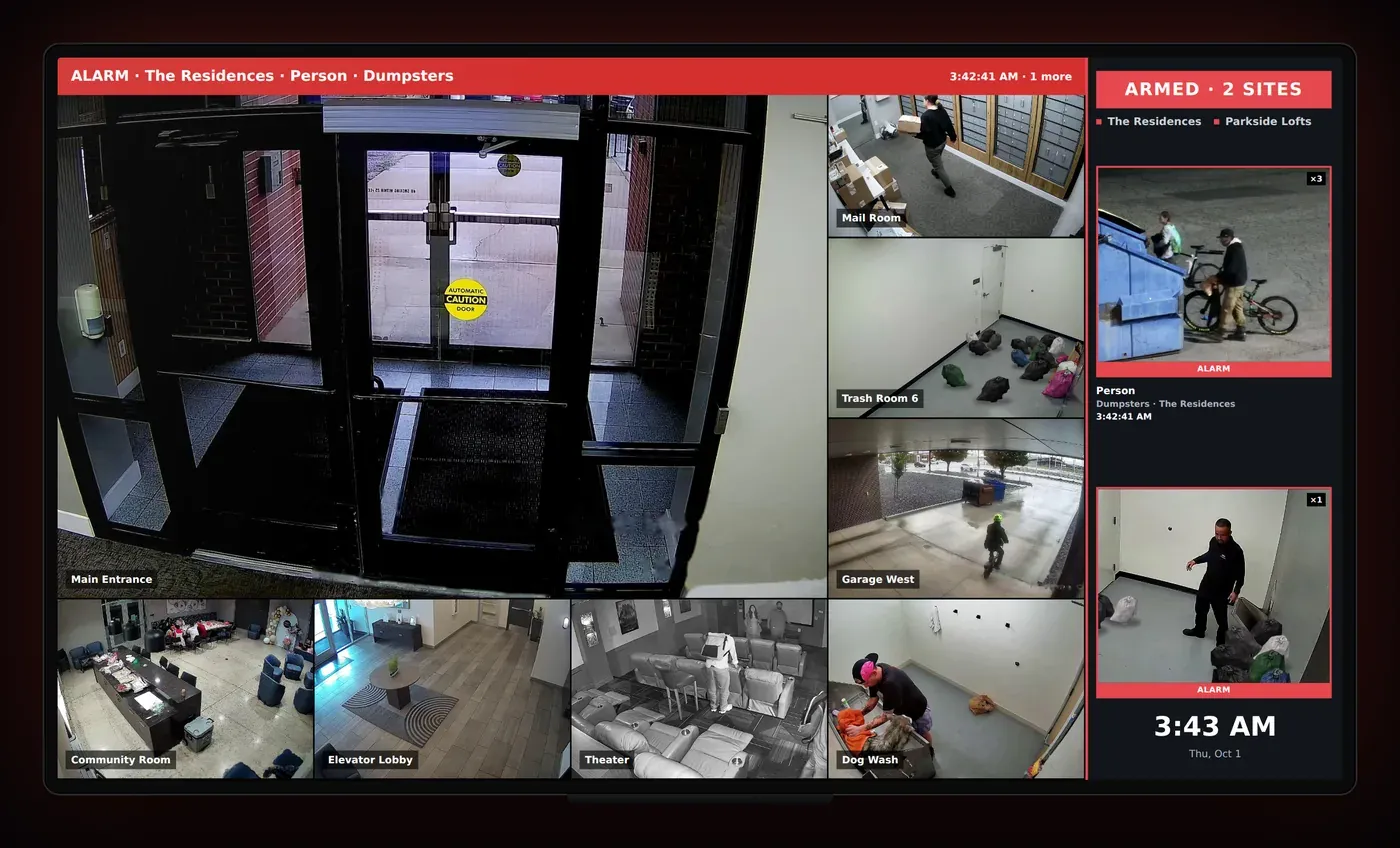
Sensor alarms on the video wall
On the Hyperwall Alarm Wall, a sensor alarm shows up next to camera alarms, with its linked camera live.
- Sensor cardsWhich sensor went off, at which site and when.
- Linked cameraThe camera that covers the sensor comes up on the wall.
How setup works
Pair your devices
Add sensors and locks in the YoLink app, or pair them to a Matter hub such as the Aqara Hub M3.
Connect them to AXN
A site manager links the YoLink account or adds the Matter hub in the AXN app. The devices appear on the site.
Link cameras and set alarms
Pick the camera that covers each sensor and how it should alarm. Alarm decisions are made on the AXN recorder at your site.
Sensors by industry
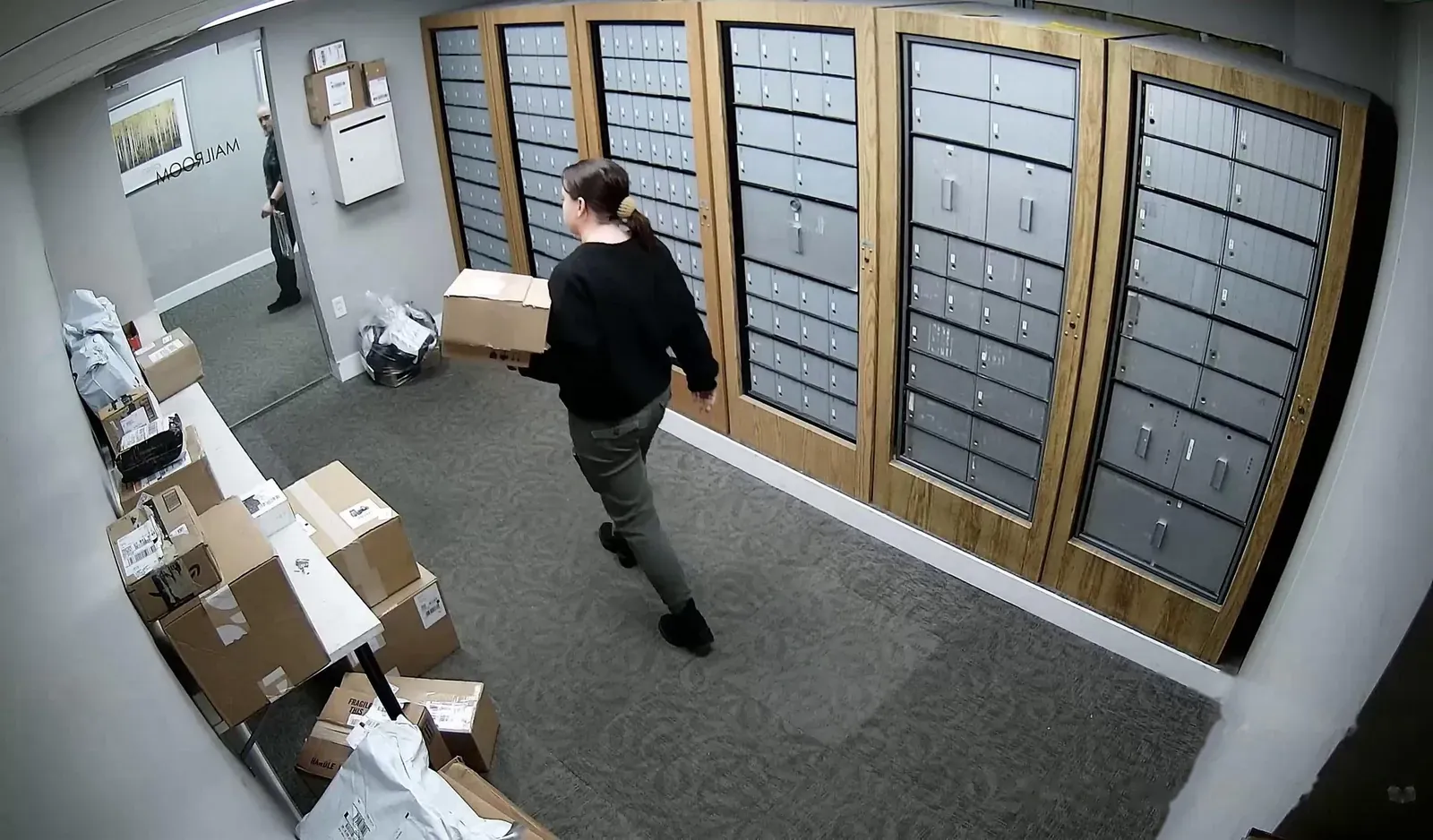
Multi-family housing
Leak sensors in laundry and trash rooms, and smoke and CO sensors in common areas.
Learn more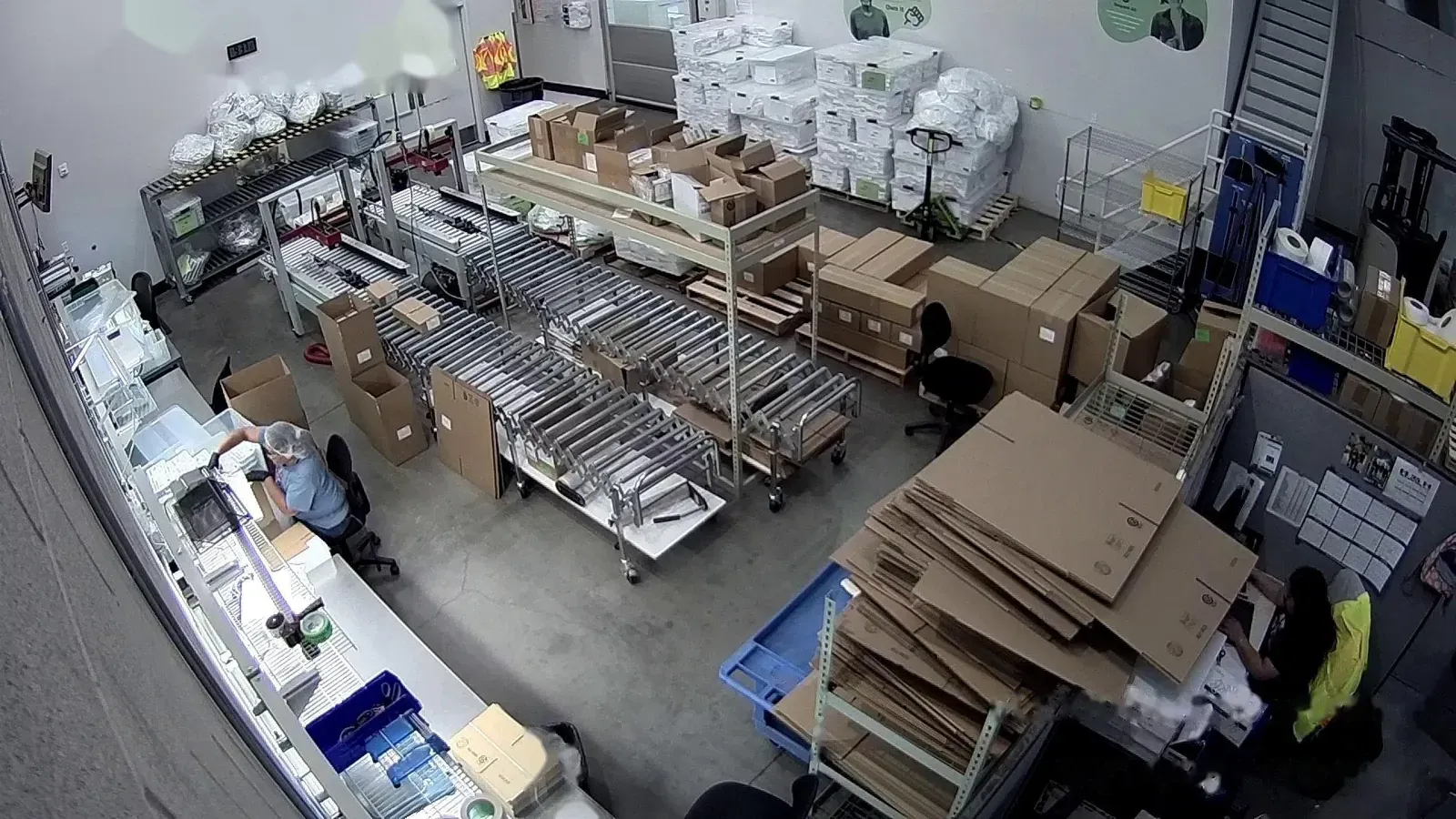
Manufacturing & warehouses
Cold storage temperature limits and contact sensors on emergency exits.
Learn more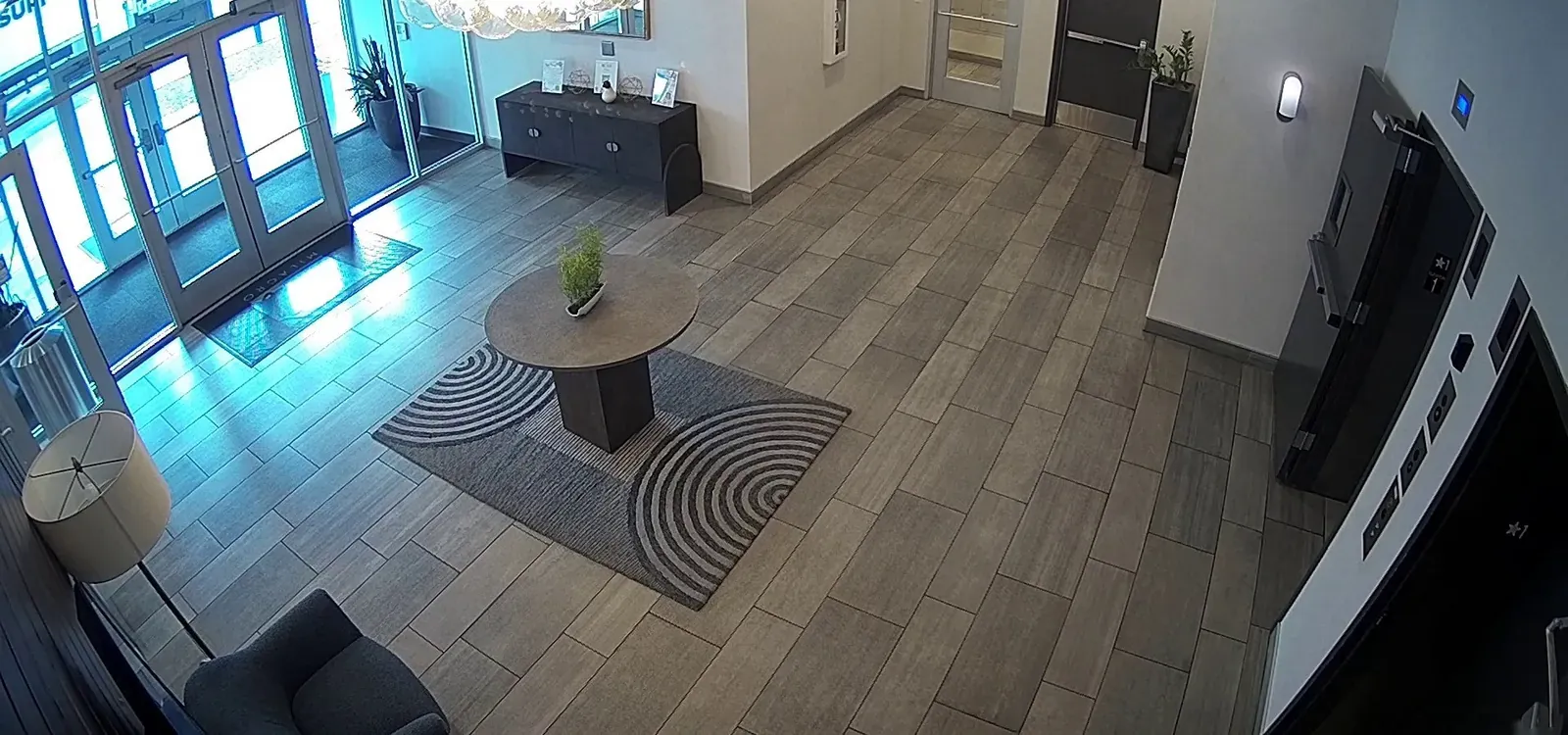
Commercial buildings
Door locks with roles for each site, and door contacts linked to lobby cameras.
Learn moreSmall business & home
Leak and temperature alerts for the shop and the house in one app.
Learn moreSensor questions
Which sensors work with AXN?
YoLink sensors and devices, and devices on a Matter hub such as the Aqara Hub M3. That covers door and window, motion, water leak, temperature and humidity, soil moisture, smoke, CO, CO2, vibration and power loss sensors, plus door locks, sirens, water valves, outlets, dimmers and thermostats.
Do I still need the YoLink app or a hub?
For pairing, yes. YoLink devices are added in the YoLink app and connect through a YoLink hub, and Matter devices pair to a Matter hub. After that, you use them in AXN.
Can a door sensor show me video?
Yes. Link the sensor to the camera that covers the door. When it opens, that camera records a clip, the event appears in Activity, and the sensor’s page shows the camera live.
Can I set alarms for a walk-in cooler or freezer?
Yes. Pick the Fridge or Freezer preset, or set your own high and low limits. AXN alerts when a reading leaves the range and clears the alarm when it comes back.
Do smoke, CO and leak sensors alert when the site is disarmed?
Yes. Smoke, CO, CO2, fire and water leak alerts are always on, even when the site is disarmed or you have quiet hours set.
Who can lock and unlock doors?
People with control permission for that site. Lock is one tap, and unlock is a one-second press and hold. Viewers can watch cameras but can’t operate locks or other devices.
Can I close a water valve from the app?
Yes. You can open or close a YoLink water valve from the AXN app.
What happens if the internet goes down?
Sensors on a Matter hub are still checked by the AXN recorder at your site, and linked cameras still record. Alerts go out when the connection comes back. YoLink sensors report through YoLink’s cloud, so they need an internet connection.
Can I export sensor history?
Yes. Each sensor’s history can be exported as CSV or PDF for the last 24 hours, 7 days, 30 days or a custom range.
Add sensors to your camera system
Tell us about your site and the date you’d like. We’ll call or email to confirm the date and the camera plan.