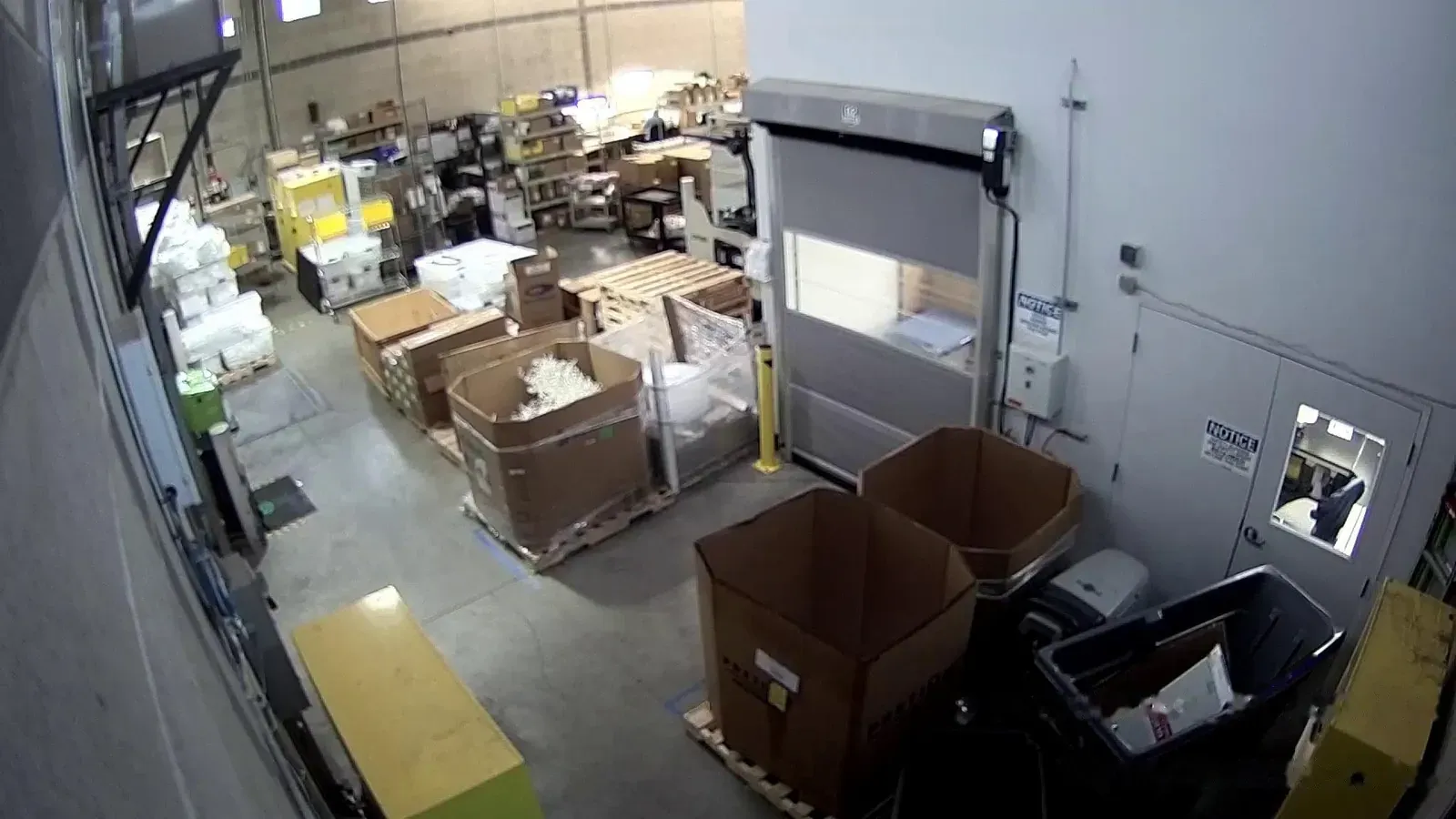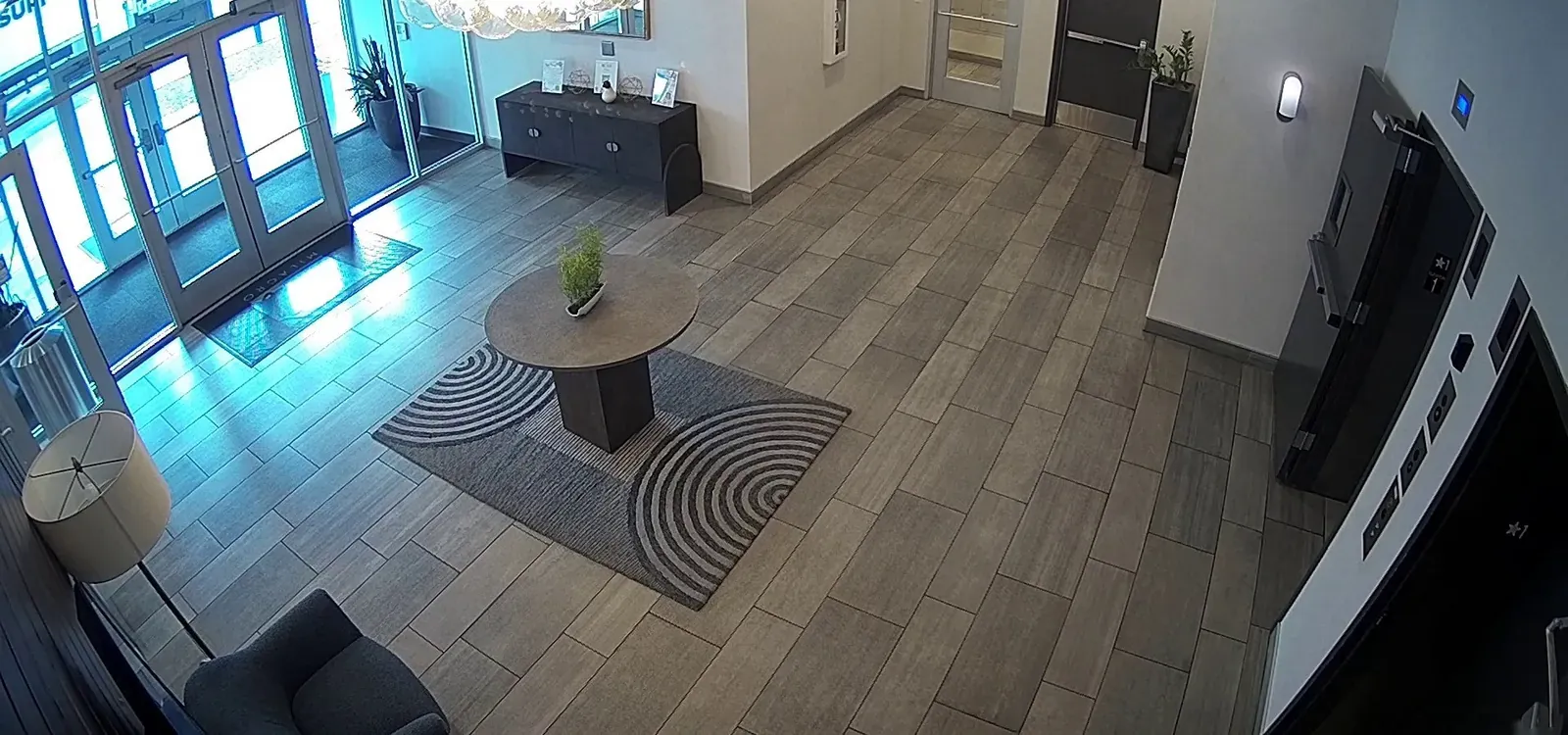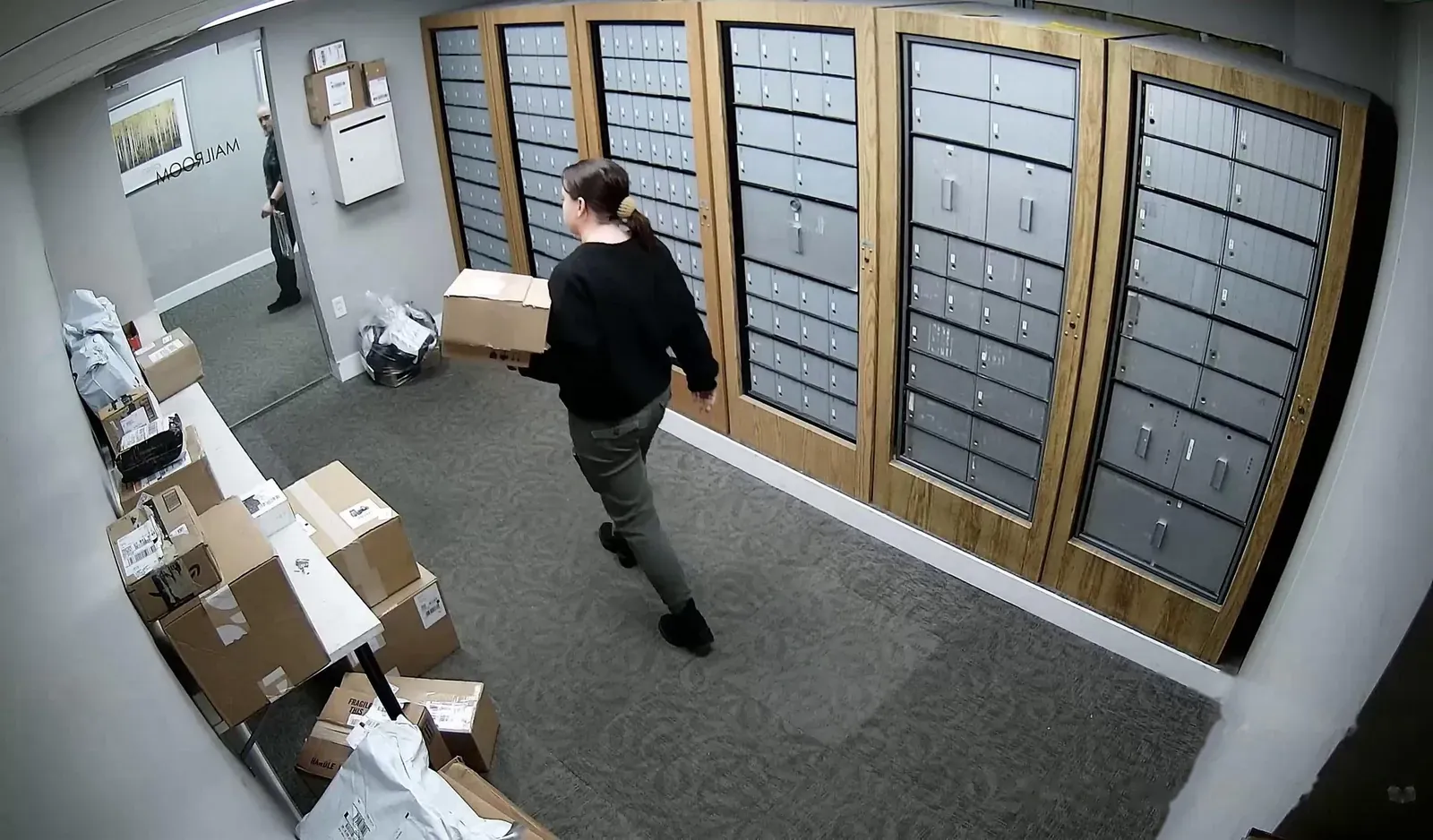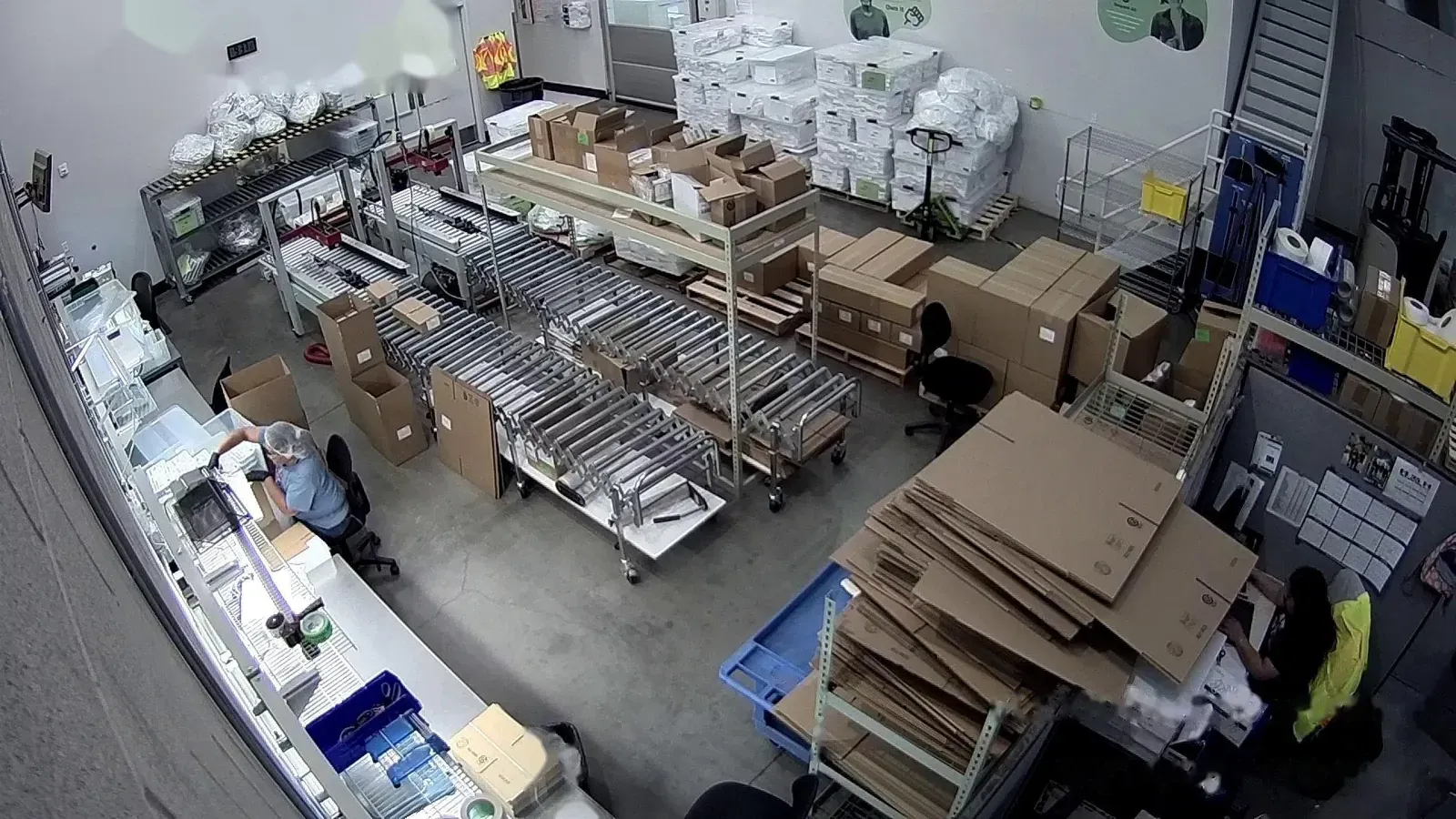
Jobsite security cameras with AI detection and talk-down.
AXN cameras detect people and vehicles on your jobsite, warn them off through on-site speakers, and send the alert and clip to your phone.
Common jobsite security problems
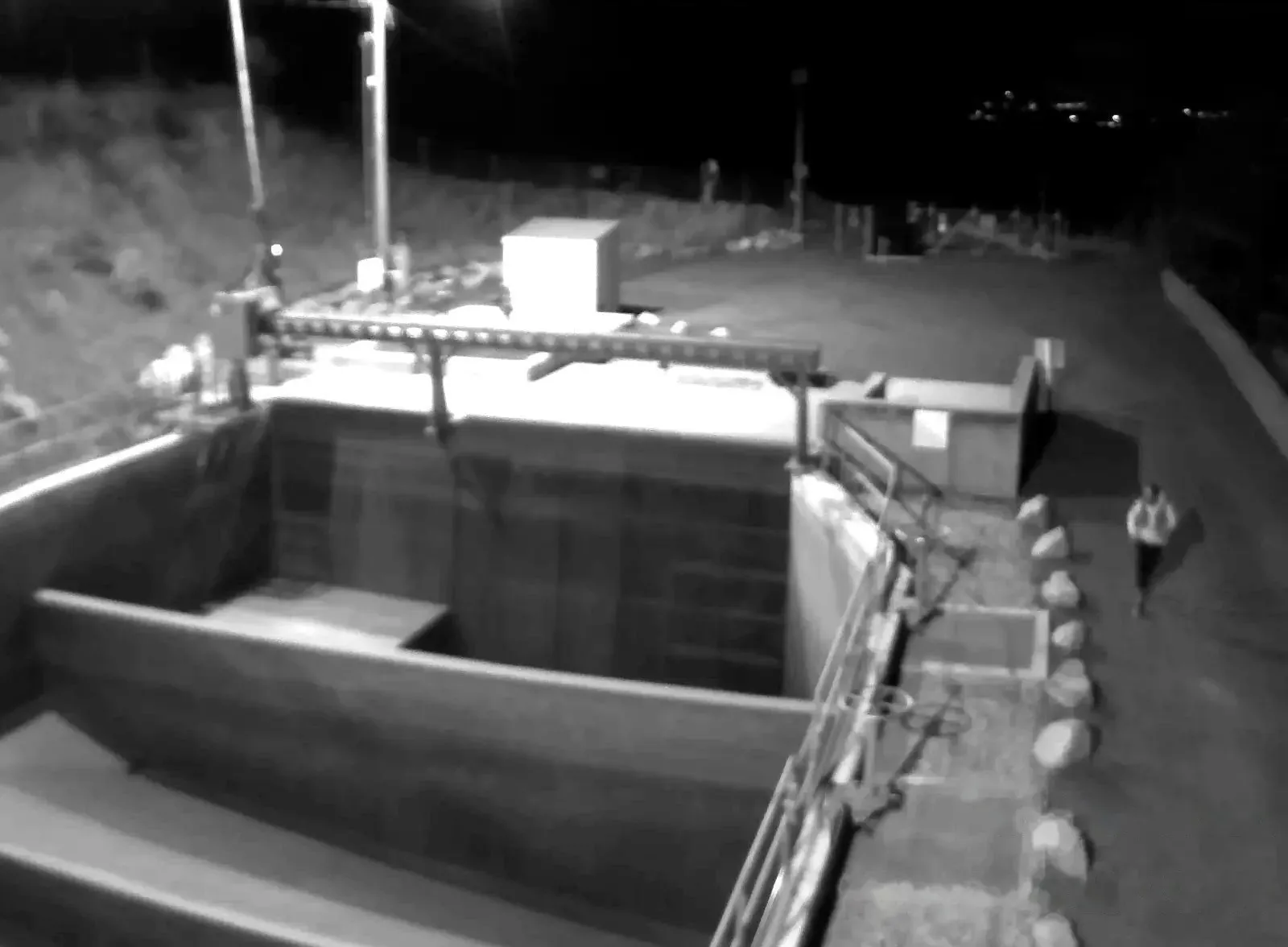
No one on site after hours
With AXNAI checks every camera around the clock and only alerts on people and vehicles.
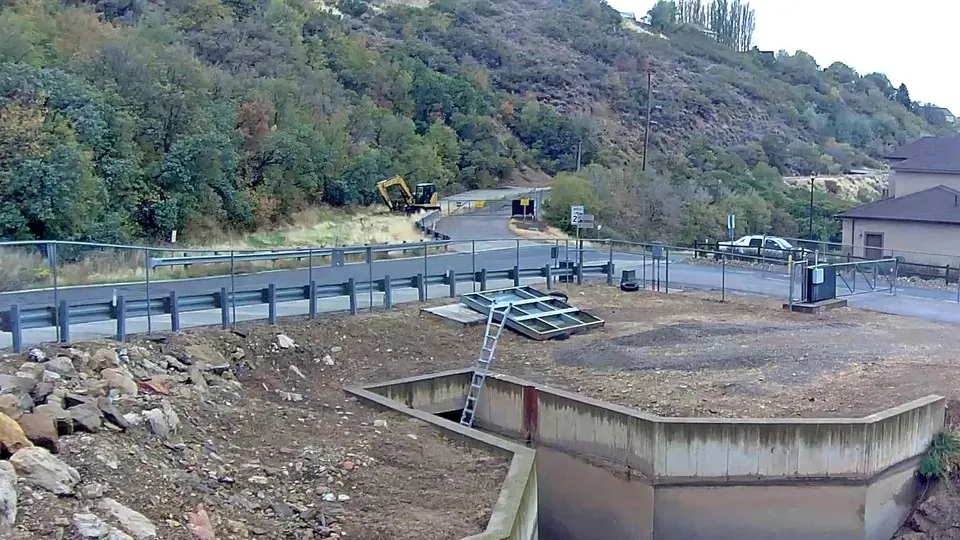
False alarms from motion
With AXNZones, object types and arming schedules cut out the alerts you don’t need.
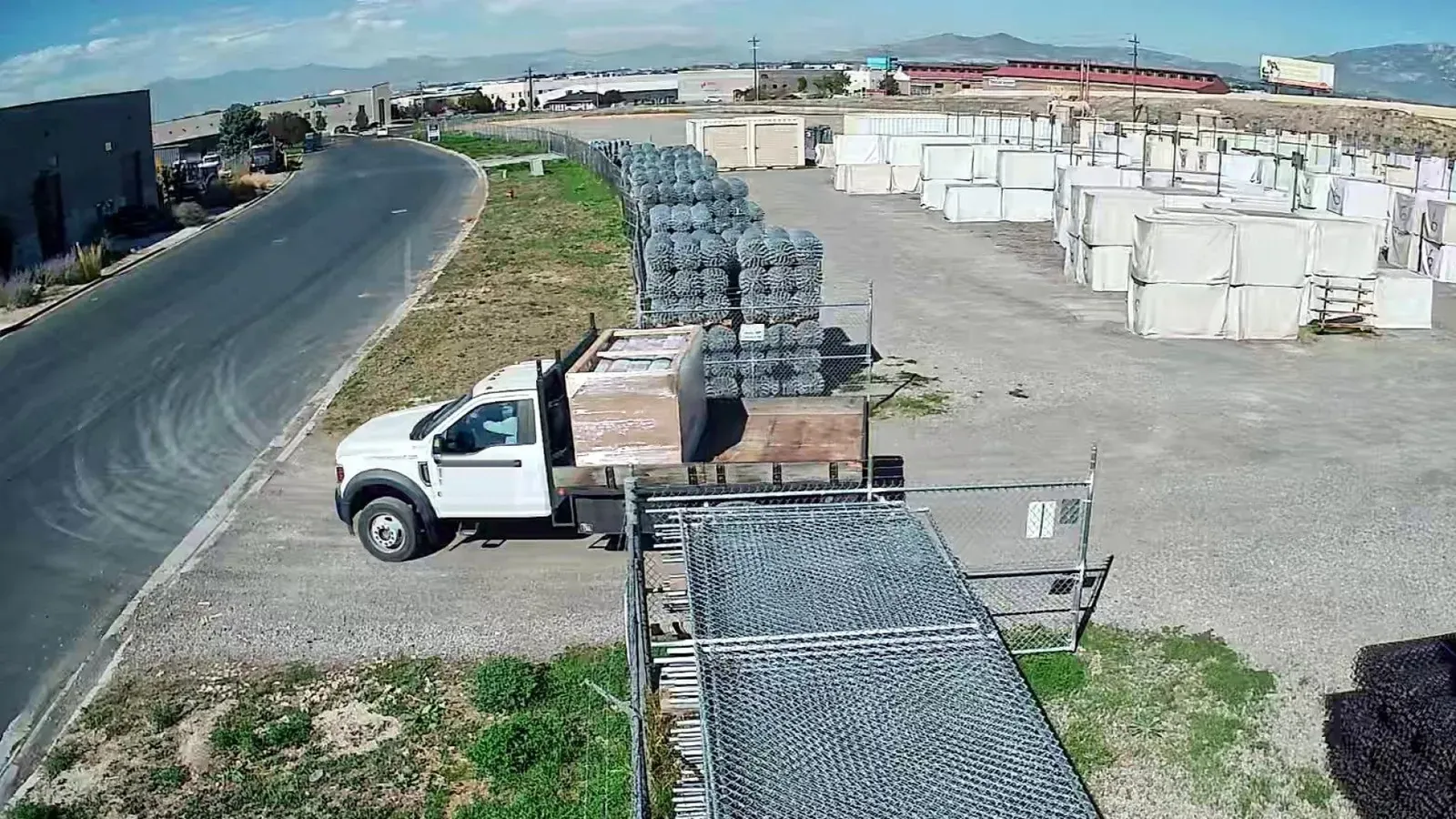
Theft found days later
With AXNSpeakers warn trespassers while they’re on site, and the clip is ready to share with police or the GC.
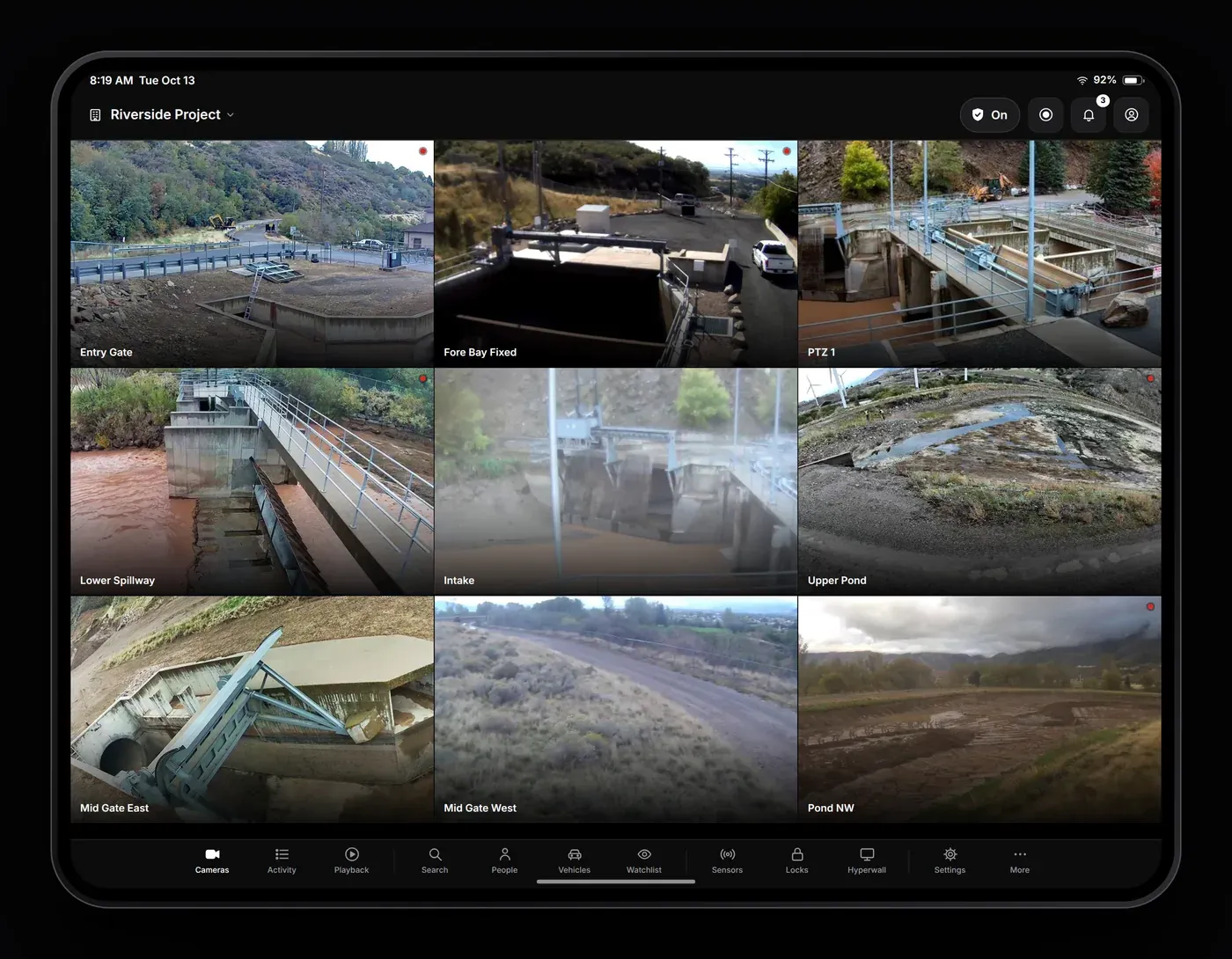
Live view for every site
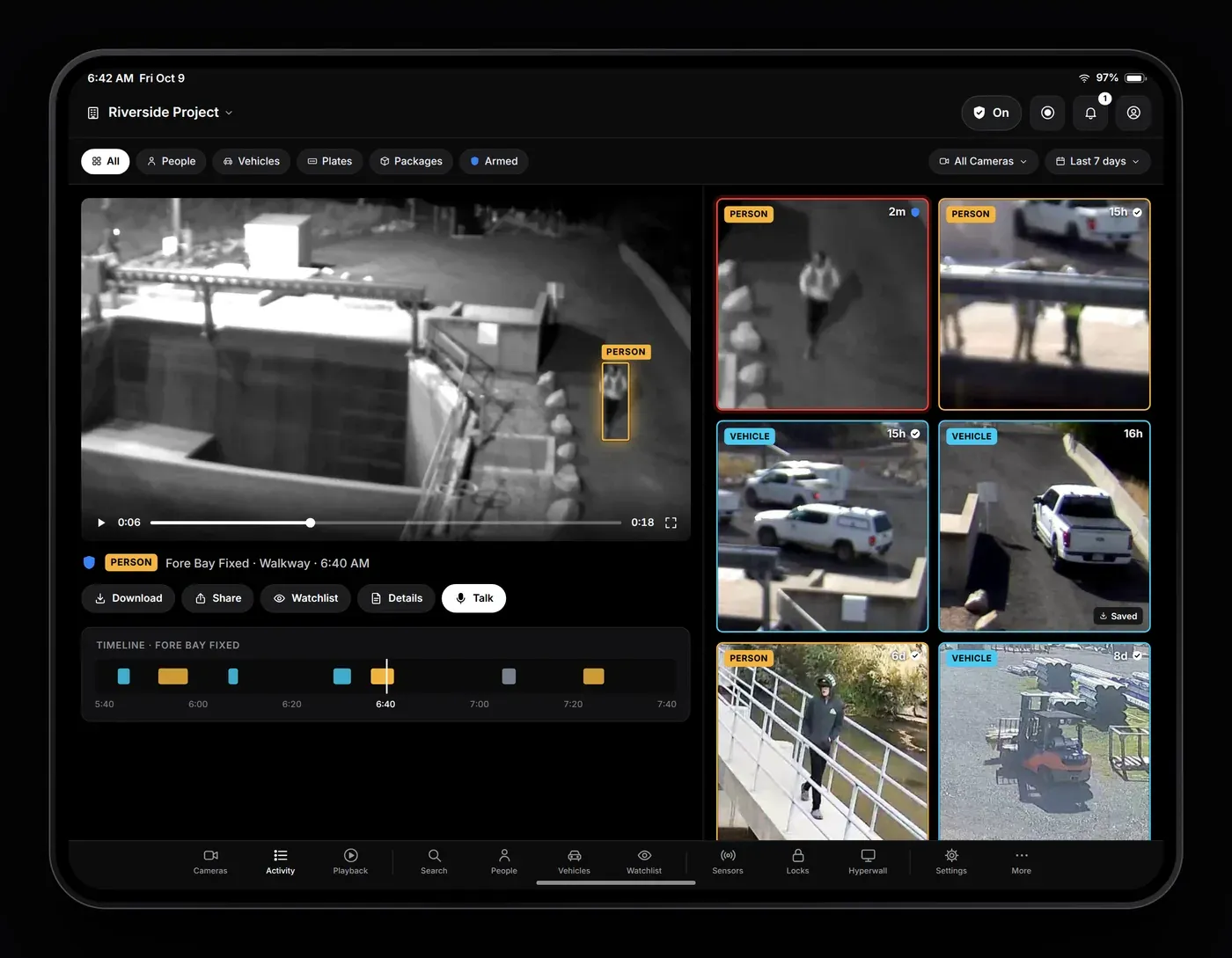
A live camera wall for each of your sites on iPhone, iPad, Android and the web.
- Switch between sitesAll your yards and projects in one menu.
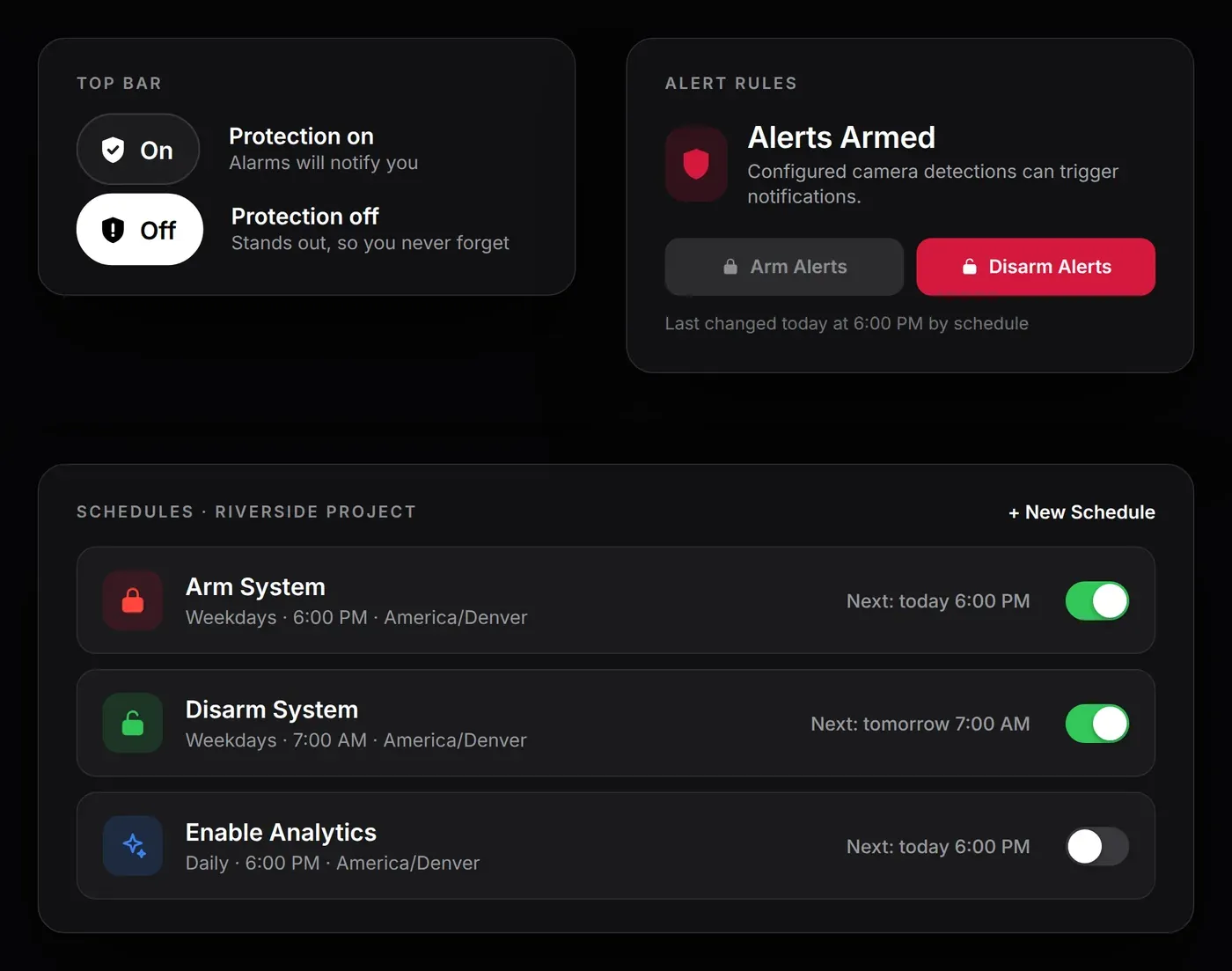
- Arm or disarmFrom the top bar of the app.
- Unread alarmsListed under the bell, with the clip one tap away.
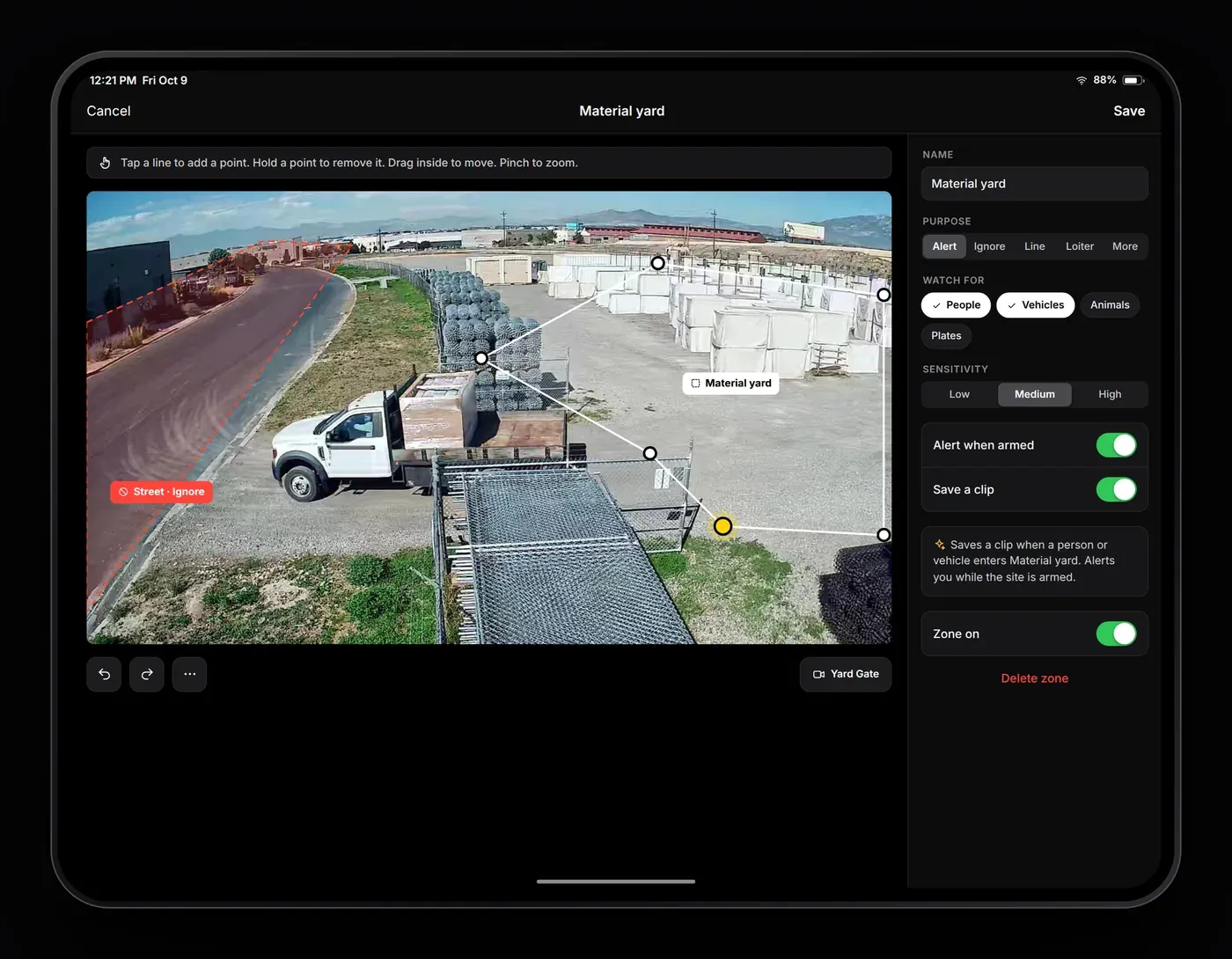
Set detection zones from the app
Draw zones on each camera view and choose what each one alerts on. No laptop or ladder needed.
- Zone typesAlert, ignore, line crossing, loitering, crowd, people count and privacy.
- People or vehiclesSet object types and sensitivity for each zone.
- Ignore zonesKeep street traffic and moving trees from setting off alerts.
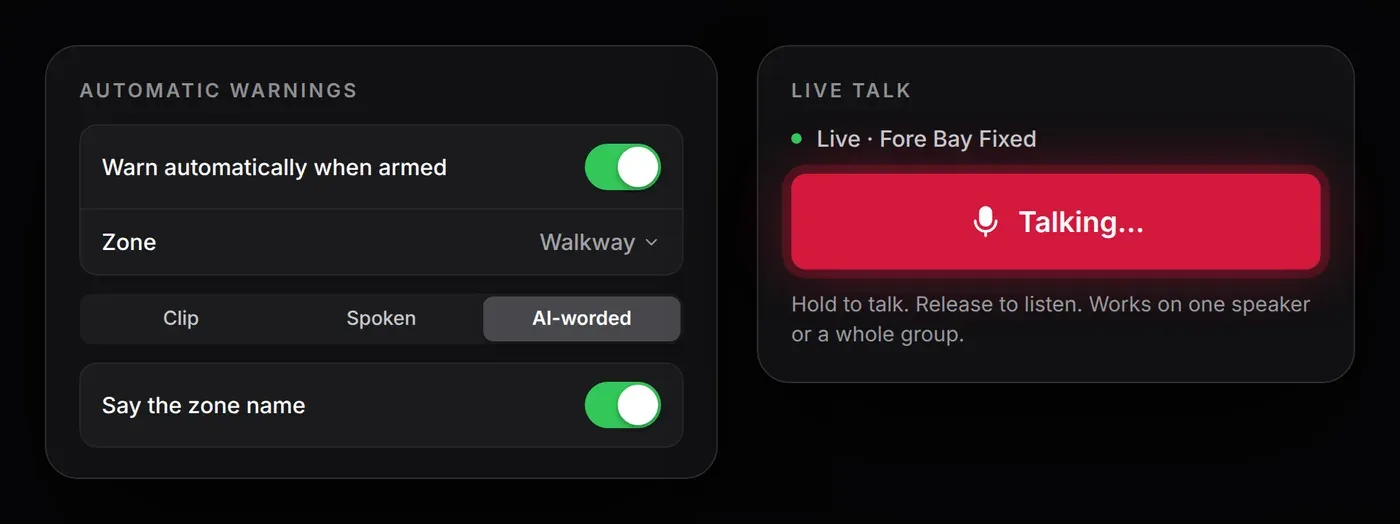
Automatic warnings through on-site speakers
When someone enters an armed zone, the speakers for that camera or zone play a warning. You can also press and hold to talk to them live.
- Automatic warningsA recorded clip, a typed message, or a warning that says what the camera saw and where.
- Live talkTalk through one speaker or all the speakers covering a camera.
Arm the site after hours
Arm a site by hand or on a schedule. While armed, detections in your zones trigger alarms. While disarmed, cameras keep recording without sending alarms.
- SchedulesFor example, arm at 6 PM and disarm at 7 AM on weekdays.
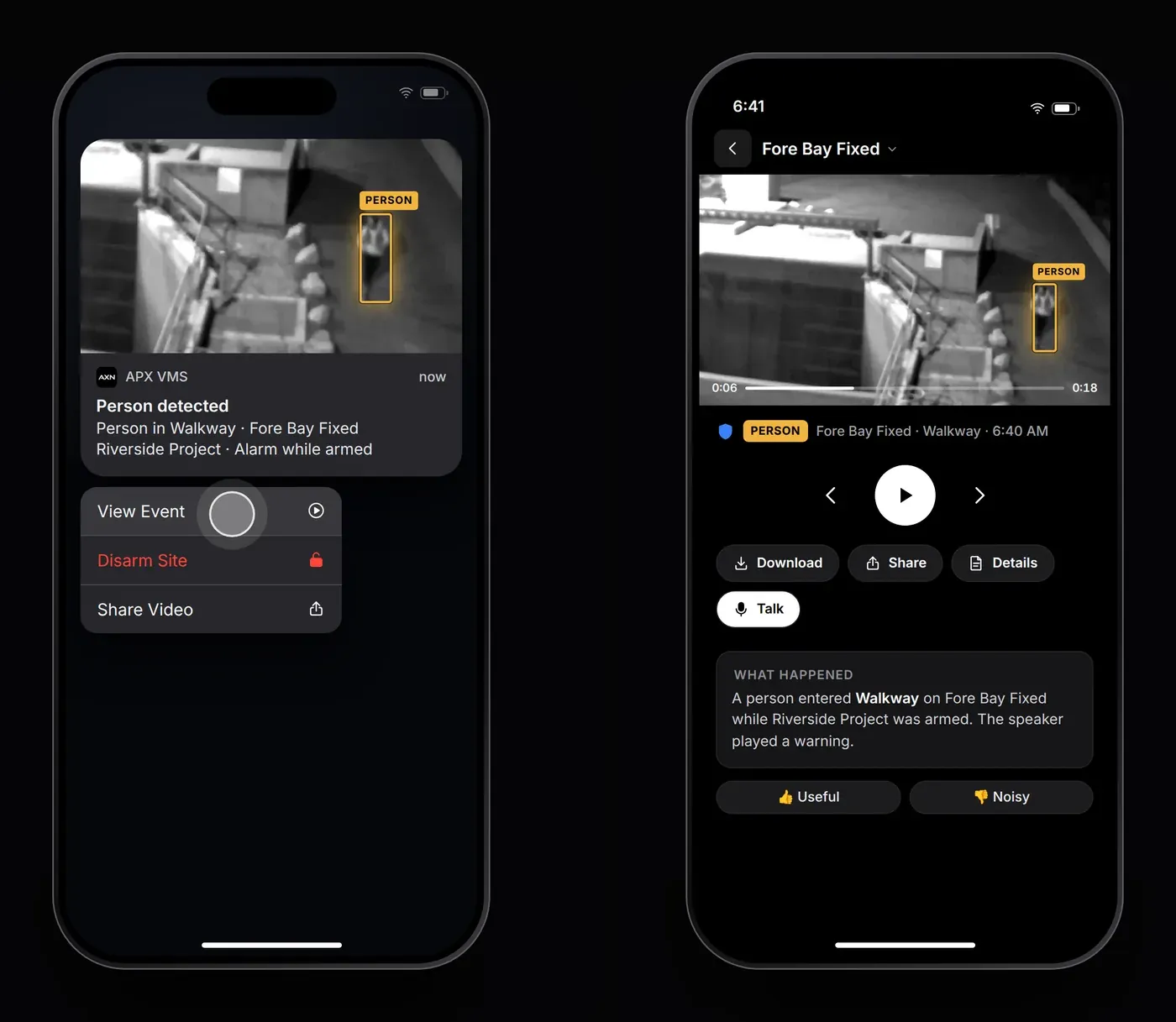
- Disarm from the alertCrew shows up early? Disarm from the notification.
Push alerts with a snapshot
Each alarm shows up on your lock screen with a snapshot of what triggered it. View Event opens the clip.
- Snapshot in the alertSee the person or vehicle before you unlock your phone.
- ActionsView Event, Disarm Site or Share Video.
Review events, not hours of video
Each person and vehicle detection is saved as its own clip. Unreviewed alarms are outlined in red.
- FiltersPeople, vehicles, plates, packages or armed-only.
- Share evidenceDownload or share clips with police, the GC or your insurer.
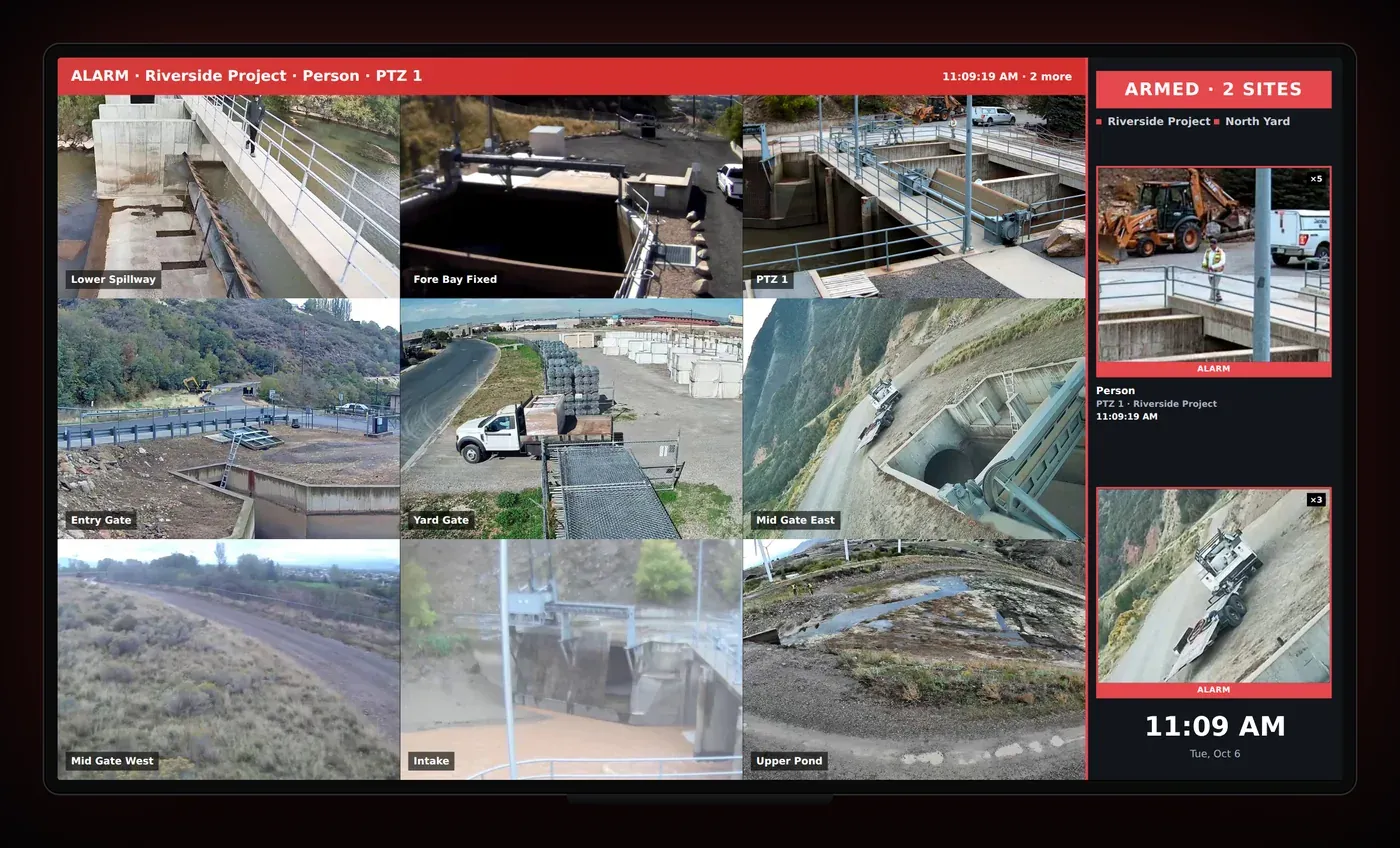
A video wall for the office or guard shack
Show your cameras live on any TV. When an alarm goes off, the wall shows the event and replays it.
- Alarm bannerWhich site, what was detected and where.
- Alarm cardsA snapshot of each recent alarm.
Protect your jobsite after hours
Tell us about your site and the date you’d like. We’ll call or email to confirm the date and the camera plan.