Video security for commercial buildings.
AXN groups each person’s sightings across your cameras, flags after-hours entries, and lets you search footage by description. Mark staff and tenants as known so new visitors are easy to spot.
Common building security problems
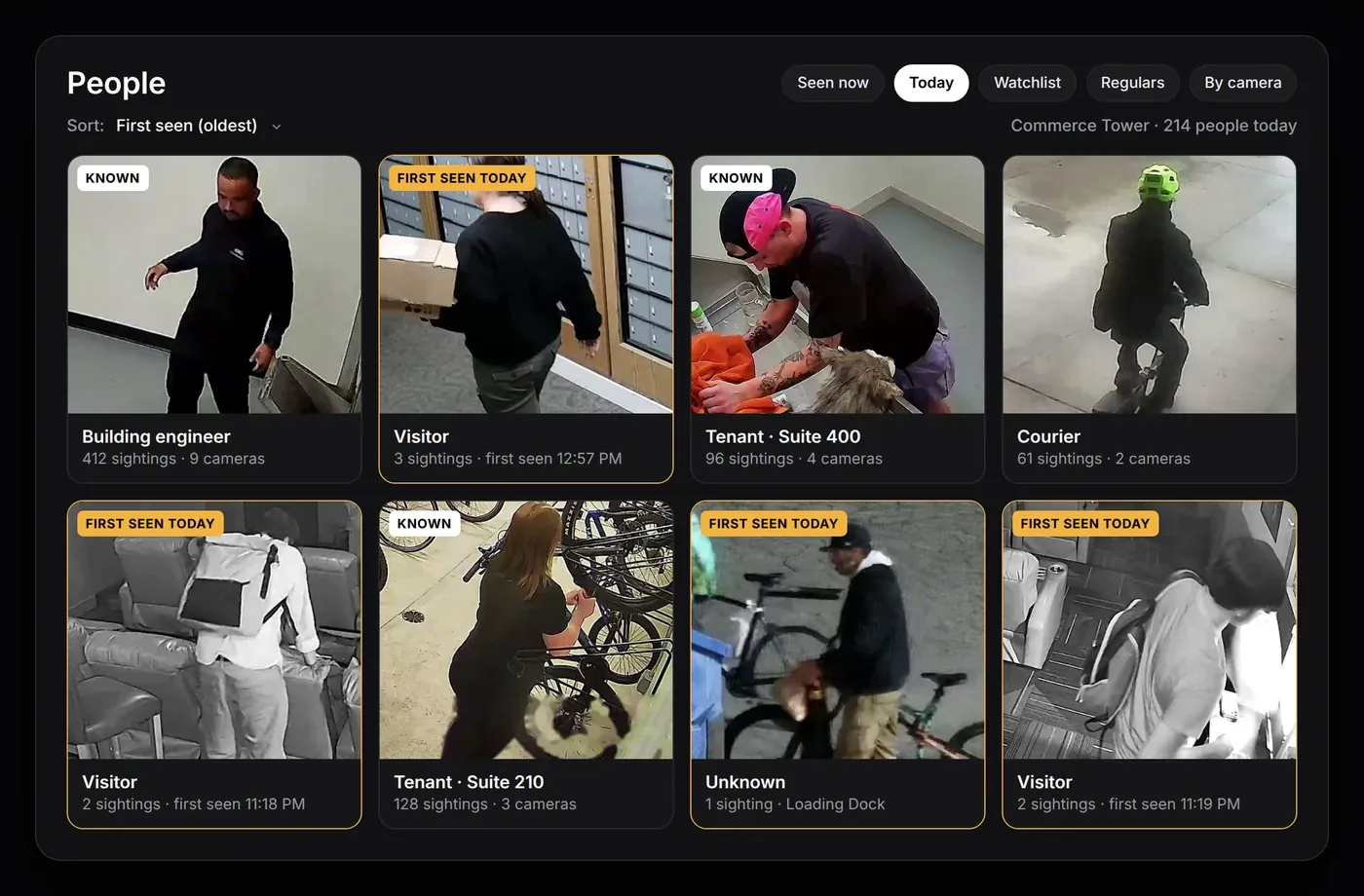
Telling visitors from regulars
With AXNMark staff and tenants as known so first-time visitors stand out.
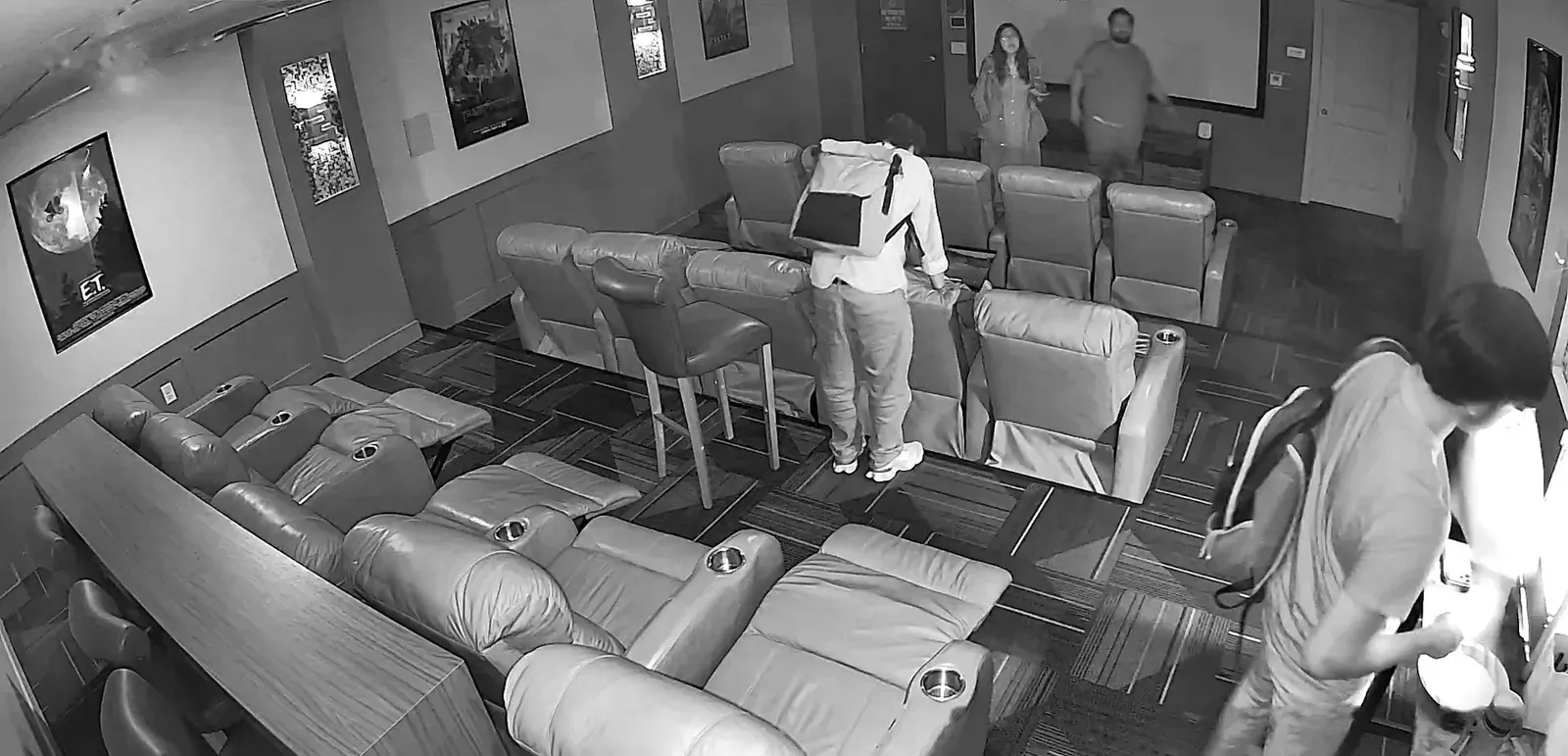
After-hours entry
With AXNArming schedules turn after-hours entries into alarms.
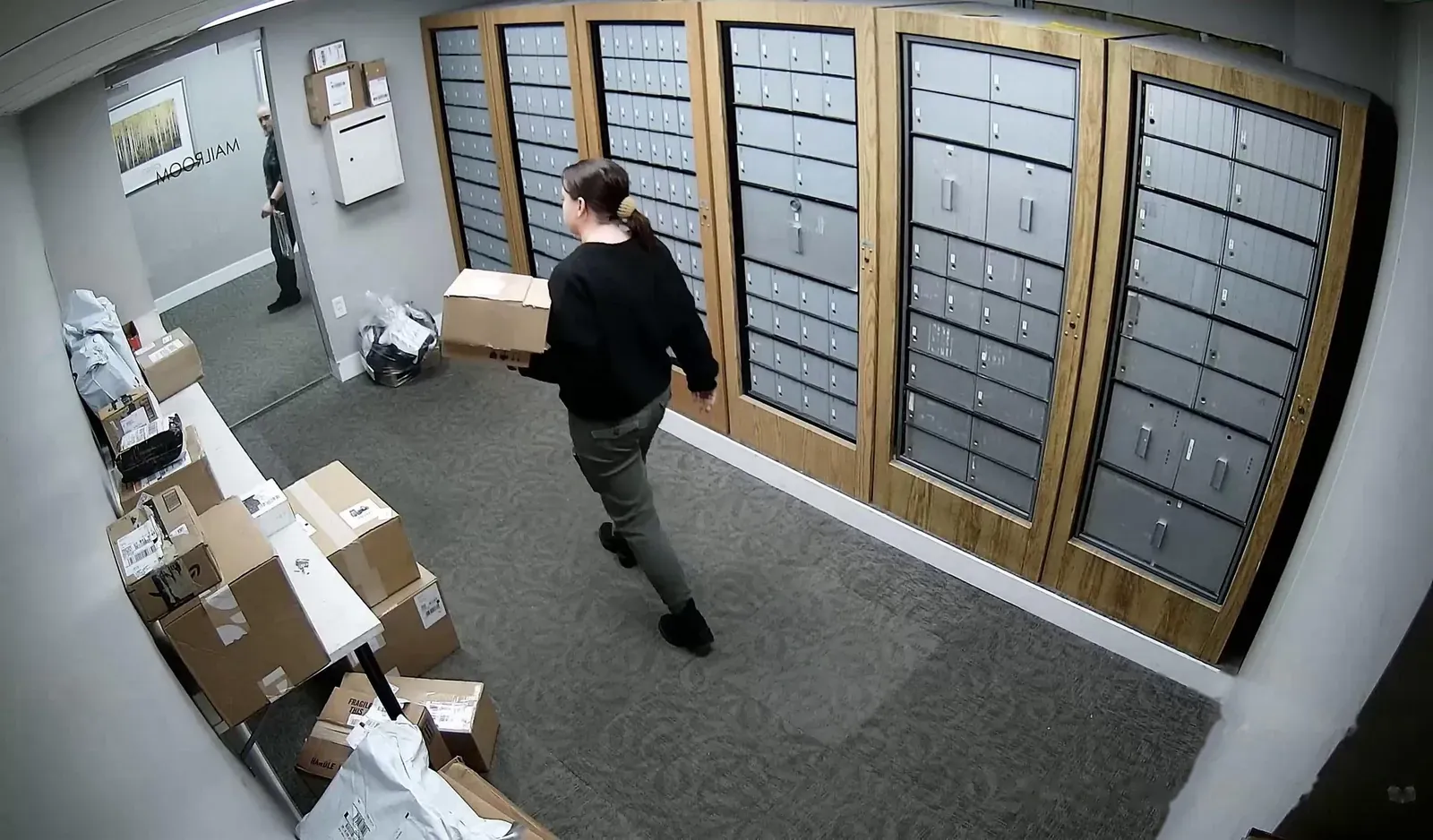
Tenant incident reports
With AXNSearch by description, find the clip and export it.
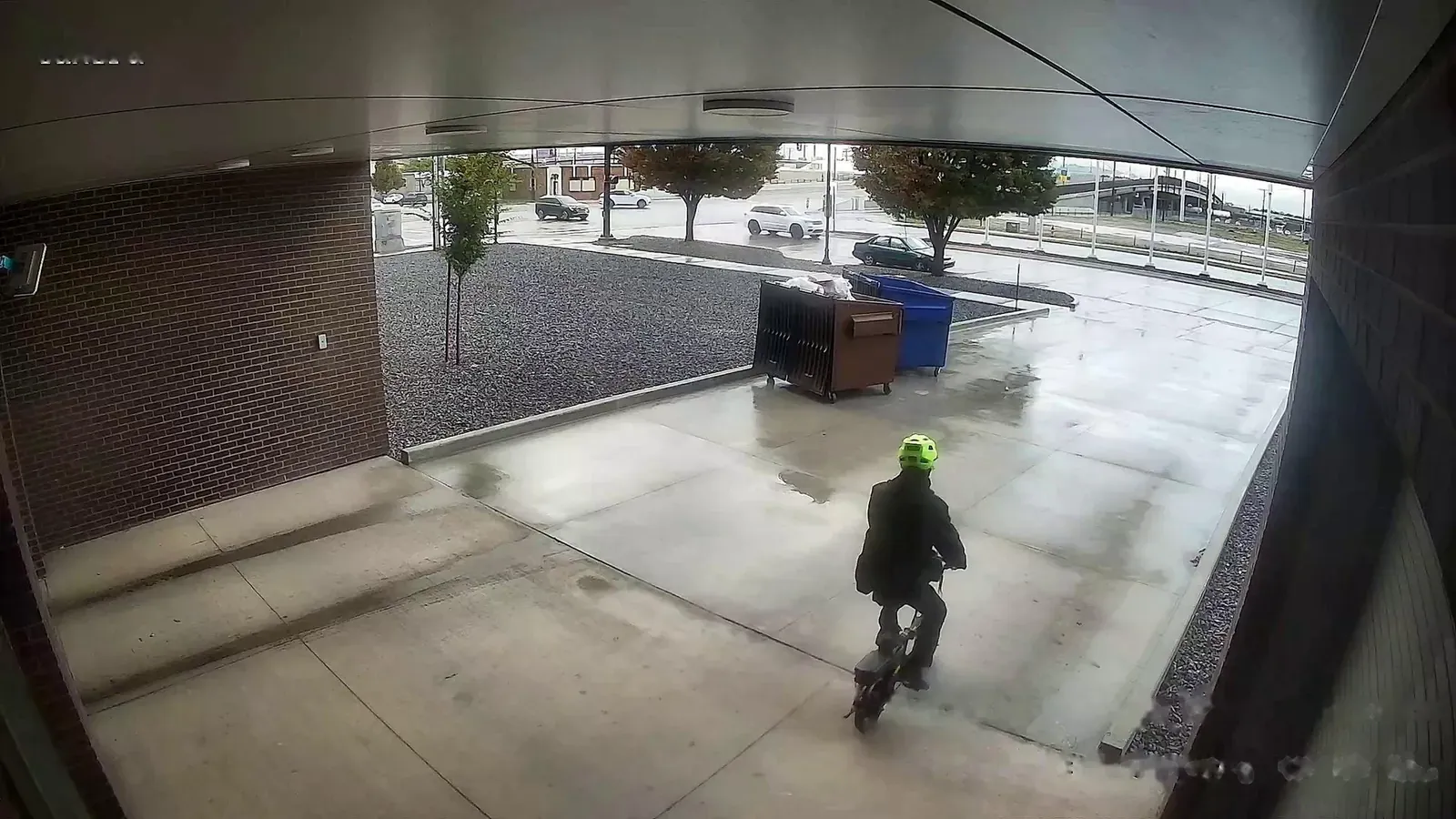
Too many screens to watch
With AXNAlarms go to your phone with a snapshot and the clip.
People grouped across cameras
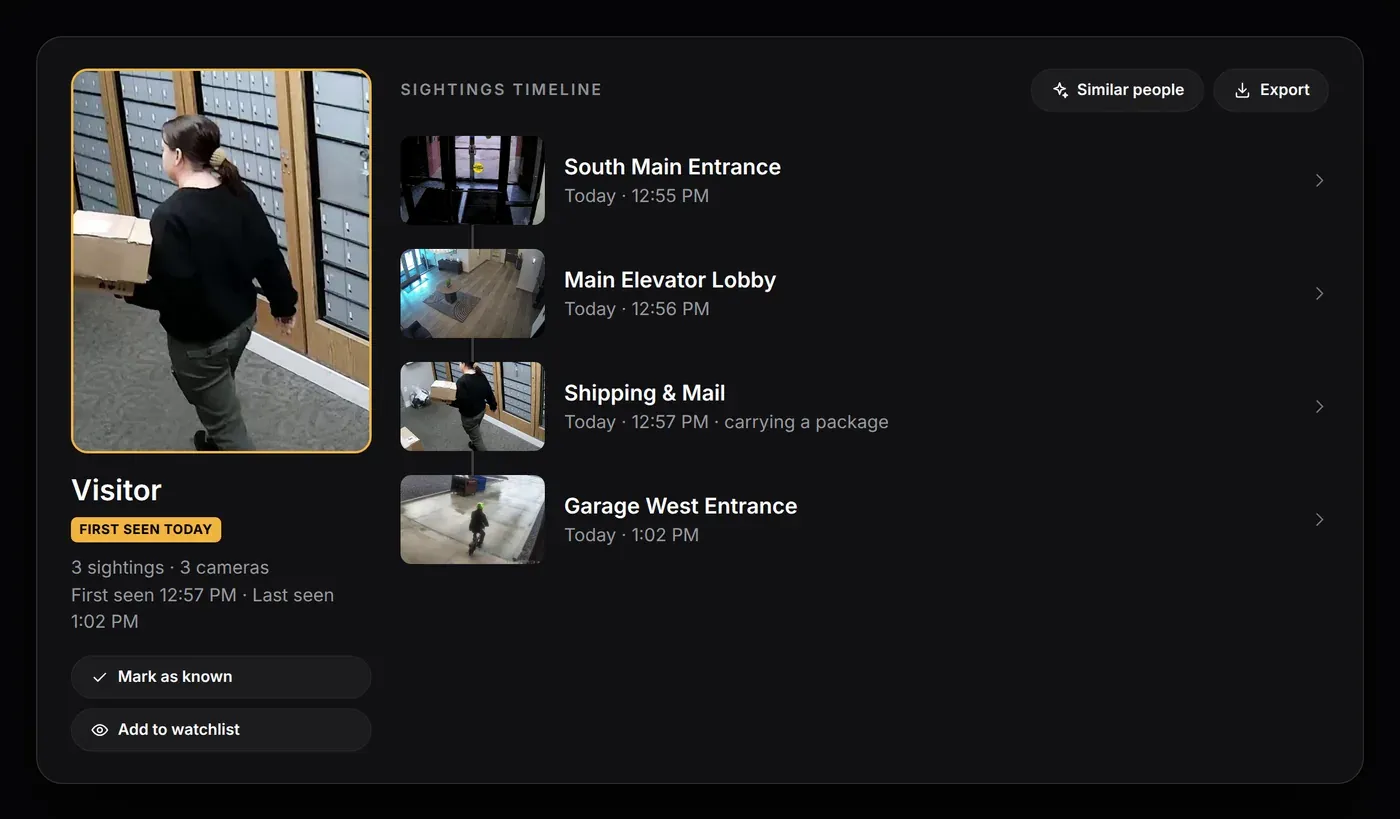
Each person’s sightings are grouped across cameras. Mark staff and tenants as known, and use the Regulars filter to see who comes in often.
- One record per personEvery sighting, across all cameras.
- Mark as knownLabel staff, tenants and vendors once.
Visitor sightings timeline
Open any visitor to see each camera they passed, in order. Save the whole visit as one video or share the clips.
- Sightings timelineLobby to elevator to suite, in time order.
- Similar peopleCheck whether they’ve been here before.
After-hours alarms
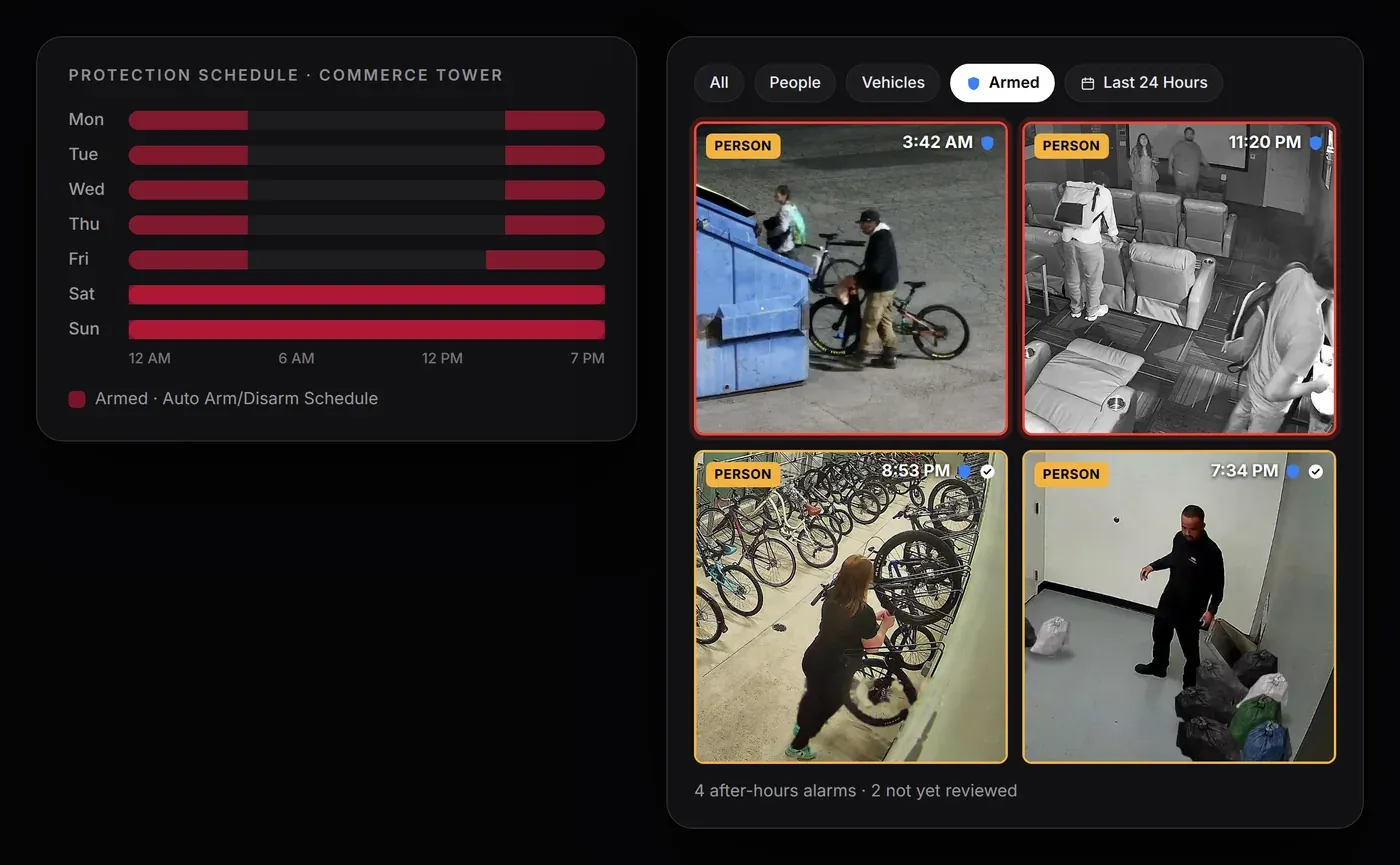
Arm the building on a schedule. Anything detected while armed is an alarm, and the Armed filter shows only those events.
- Protection scheduleFor example, arm at 7 PM, disarm at 6 AM, and stay armed on weekends.
- Armed filterAfter-hours alarms only, last 24 hours by default.
Search footage by description
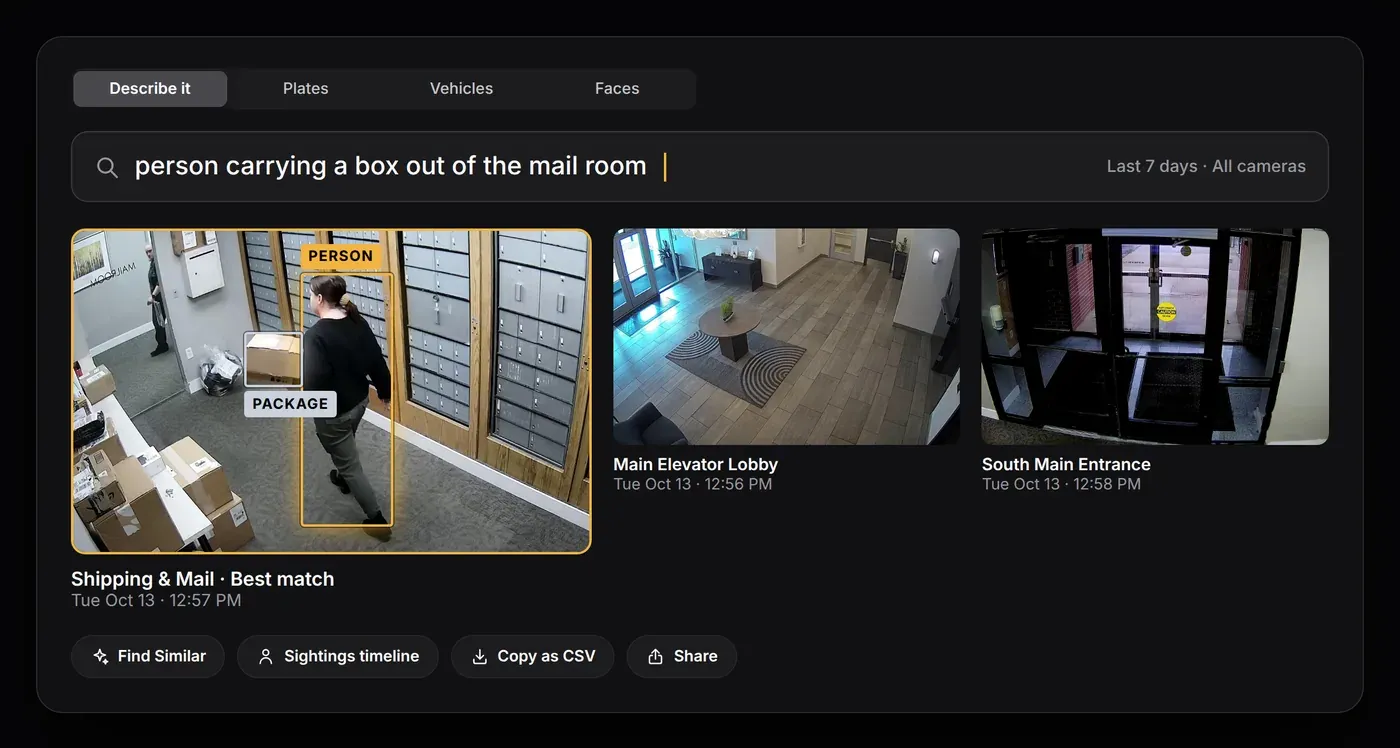
Type what you’re looking for and go straight to matching clips, or search by plate, vehicle or face.
- Describe it“person carrying a box out of the mail room”
- Find SimilarStart from one event and find other times it happened.
Watchlists and door locks
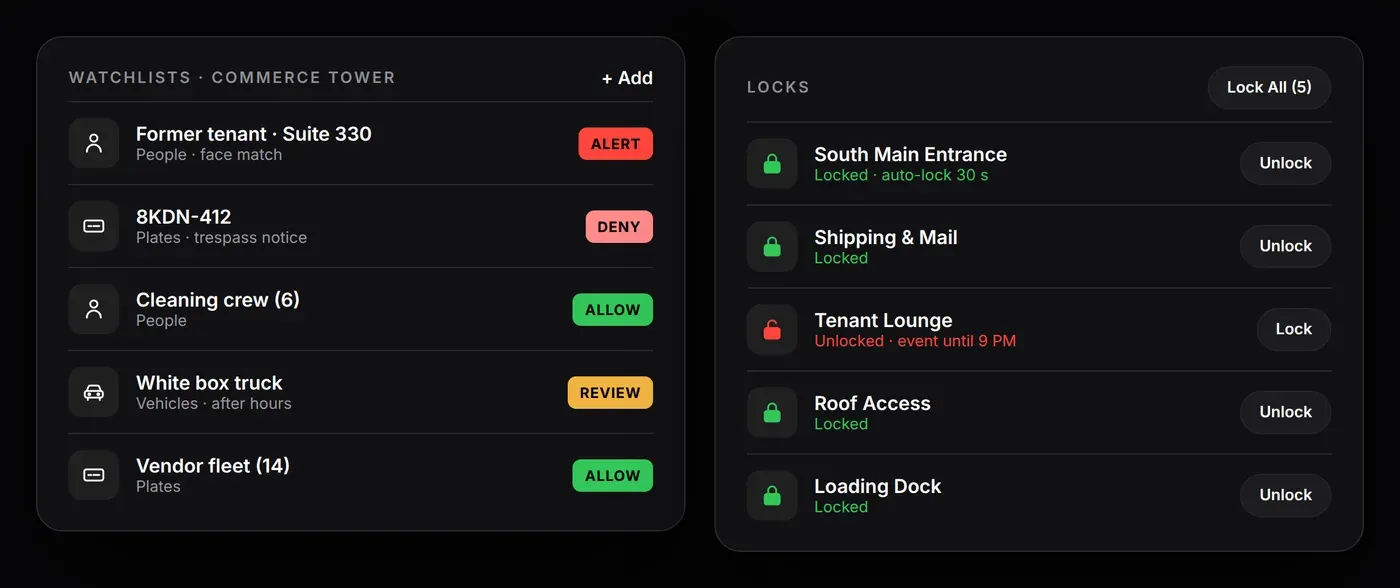
Create watchlists for people and plates, and lock supported doors from the app.
- WatchlistsPeople, plates and vehicles set to Allow, Review, Alert or Deny.
- Roles for each siteLive viewer, Manager or Site admin.
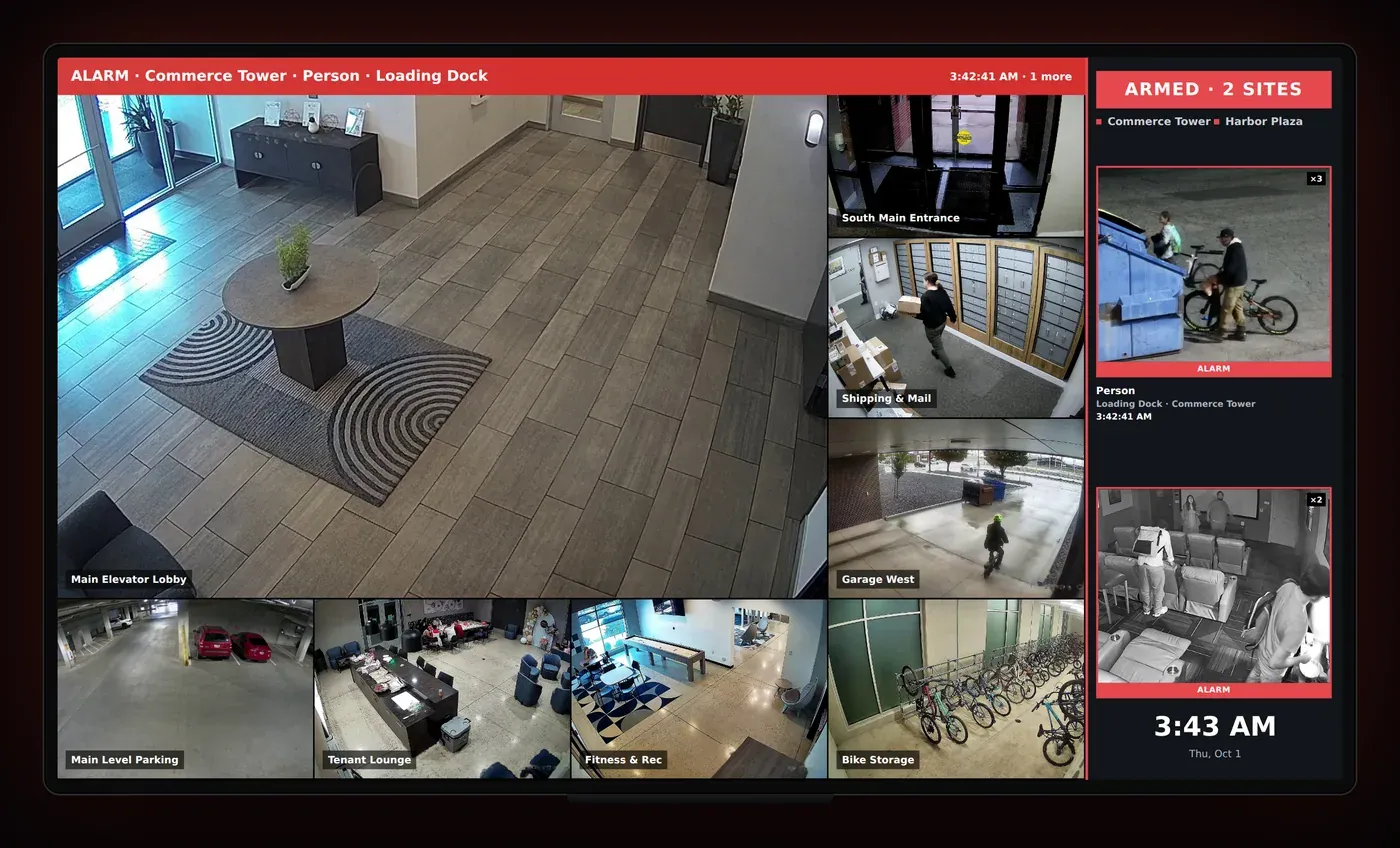
A video wall for the office or guard shack
Show your cameras live on any TV. When an alarm goes off, the wall shows the event and replays it.
- Alarm bannerWhich site, what was detected and where.
- Alarm cardsA snapshot of each recent alarm.
Know who’s coming and going
Tell us about your site and the date you’d like. We’ll call or email to confirm the date and the camera plan.